Pick a TikTok lander that loads inside the app
A tap on a TikTok ad opens TikTok's own browser, with less of the screen left for the offer, and a slow or cluttered page is gone before the pixel fires. Start with Swipe Pages when the page has to appear as the tap lands and lead events go back through TikTok's Events API. Leadpages Grow is for campaigns that will outgrow a capped plan and need the headline to repeat the hook. Systeme.io is for the free plan or Startup, and you paste the pixel yourself.
The landing page TikTok ads open
An engineering checklist for this traffic names the browser BytedanceWebview. That is TikTok's built-in WebView, the embedded mini-browser a server log identifies by that string. It draws its own bar, so the offer sits in a shorter window than the same file would get in Chrome or Safari.
That bar is part of the layout. The headline, the proof, and the button share whatever height is left under it. A page that looks finished in a desktop preview can still hide the button once TikTok's chrome takes the top of the phone.
When the ad sends someone through a long story before a network offer, the disclosure and the handoff follow the same pattern as a native advertorial. How to build an advertorial landing page covers where that label goes and how the next click gets earned.
What a TikTok ads landing page has to clear
TikTok's ad format and functionality policy says landing pages must be functional. The same article lists landing pages that are not mobile-friendly among the examples that are not allowed. An expired promotion, a half-finished template, or a layout that only works on a wide monitor fails there, before anyone argues about seconds.
The ad and the page have to describe the same product. The policy says the caption, the text, the images, the video, and the call to action need to stay consistent with the promoted product or service on the landing page. A hook about one offer and a page about another is a policy problem on its own. A faster load still leaves the mismatch in place.
A lead ad carries one more requirement. Lead ads must include a privacy policy, clearly displayed and linked. Put that link beside the form, where the person is about to hand over a name or a number.
Read the ad and the page as one unit before you spend. If the video promises a quiz and the page opens on a long sales letter, the consistency line is already the problem. If the form asks for a phone number and the privacy link is missing, the lead-ad line is the problem. Settle those two, then compare builders on speed and tracking.
Speed is a separate question from those rules. Google's mobile speed research says 53% of visits are likely to be abandoned if a page takes longer than 3 seconds to load. Treat that as Google's benchmark for a phone visit. TikTok's rule, on the page linked above, stops at functional and mobile-friendly.
Keep ttclid on the landing URL
Swipe Pages' Events API guide explains the path from the tap to a page you host. The person lands with a ttclid parameter in the URL. That value is what server-side conversion reporting uses to tie the lead back to the click. On a domain you control, that parameter can remain on the URL until the person submits the form or completes the order.
The same article says an event sent from the server is more reliable than browser-only tracking. Keep the pixel on the page, because that is what the browser can fire. Send the matching event server-side as well, so a blocked or dropped pixel in the WebView is not the only record TikTok gets. Swipe Pages' lead-generation page says those lead events go back to Google Ads, Meta, and TikTok through conversion APIs. The setup it documents is a global integration: an access token, a Pixel ID, and a form or order workflow.
Leadpages' integrations page lists TikTok for firing pixel events, which covers conversion tracking and lookalike audiences. That is the browser pixel. Matching the headline to the ad is a separate feature, and it starts on Grow, the same plan as manual A/B testing.
Systeme.io's tracking help shows a code box you fill yourself. Open Settings, choose Sales Funnels, paste the tracking code, and save. A pixel from TikTok Ads Manager goes in that box, on the funnel or on a single page. The help article ends once the code is saved. Sending the event from your server is a separate setup.
Swipe Pages when the page has to appear as the ad opens
Swipe Pages
- Price (22 Nov 2026)
- Startup $29 a month billed annually. Marketer $69 a month billed annually, with server-side A/B testing and dynamic text replacement.
- Allowance
- Startup: 20,000 monthly visitors, 1 custom domain. Marketer: 50,000 monthly visitors. 14-day trial, no card.
AMP pages and a native TikTok Events API, when the tap has to paint inside the app and the lead has to reach TikTok from the server.
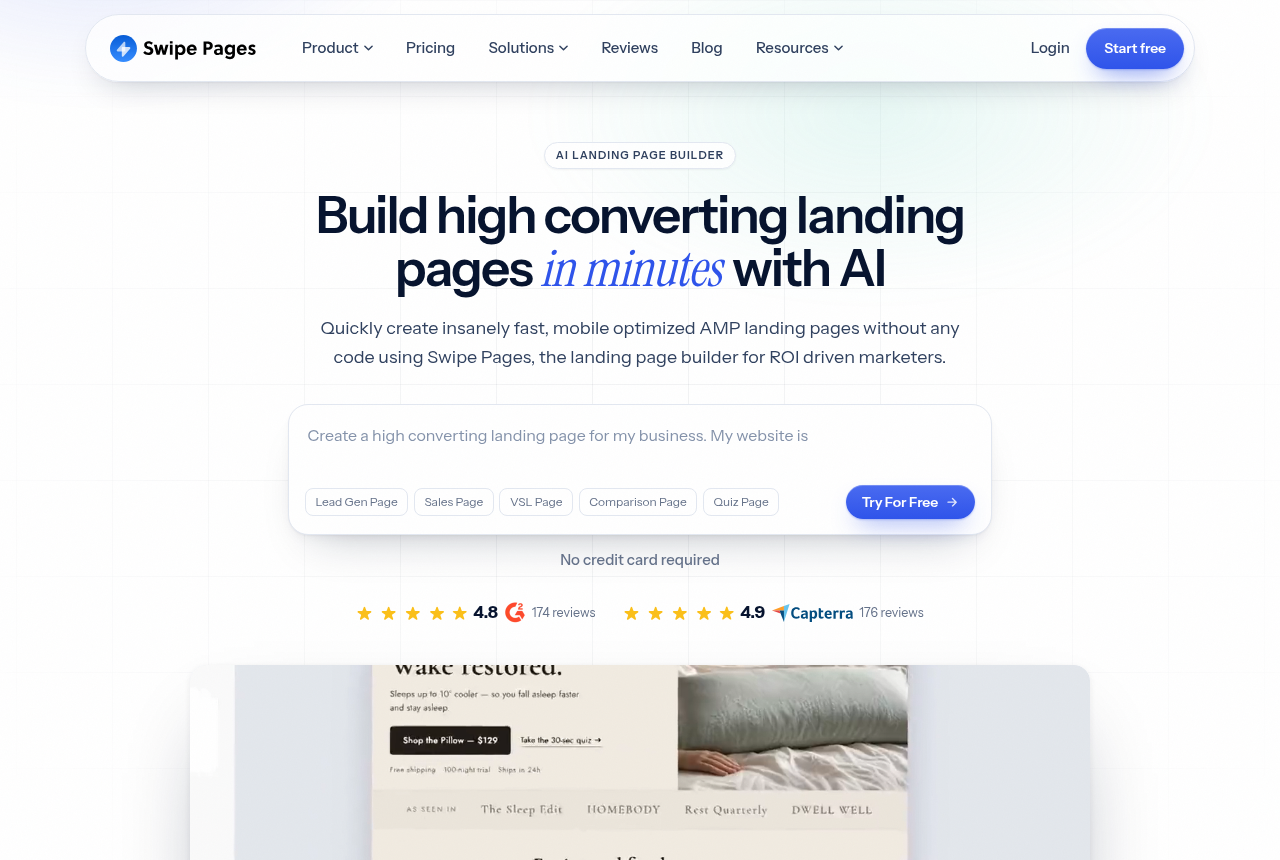
I would start here when the campaign is almost all phones and the lead has to reach TikTok from the server as well as from the browser. The product is built on AMP. Its homepage says every page is optimized to appear the moment someone taps the ad, on any device and any connection. That is the vendor's speed claim. Weigh it against the visitor cap on the plan you buy, because a fast page that runs out of allowance mid-month still stops the campaign. Server-side tests and headline matching sit on Marketer. AMP is the tradeoff for that speed. A page that relies on a lot of custom scripts will run into the framework's limits. The Swipe Pages review covers the rest of the plan limits.
Leadpages when traffic is uncapped
Leadpages
- Price (22 Nov 2026)
- Grow $67 a month billed annually, or $99 a month paid monthly. First plan with manual A/B testing and dynamic text replacement.
- Allowance
- Traffic is unlimited on every plan, with no overage fees. The 7-day trial requires a card and charges on day 7 unless you cancel.
Uncapped traffic and headlines that follow the ad, with the TikTok pixel on the integrations page.
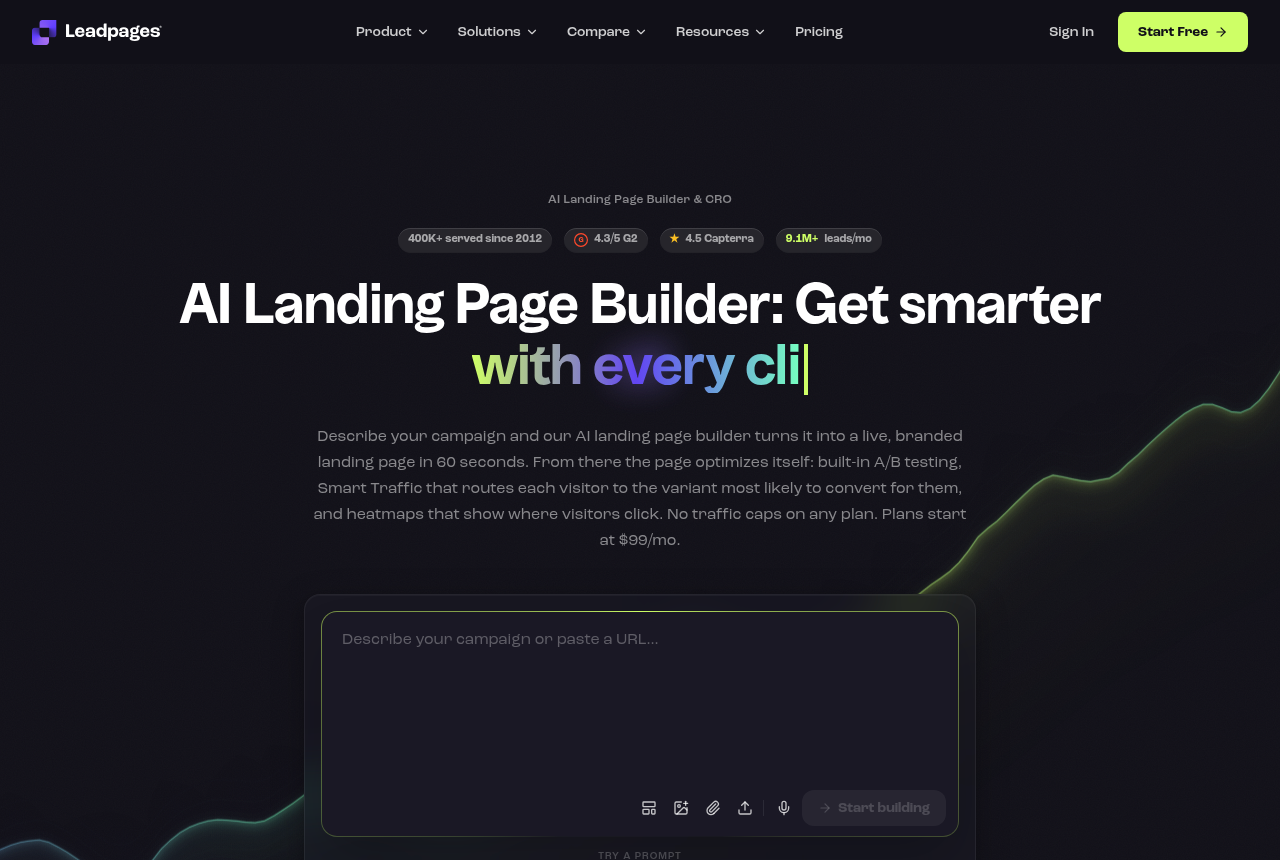
I would choose Leadpages when the traffic you plan to buy will go past the cap on a metered plan. On the pricing page, Grow is the first plan with manual A/B testing and headline matching. One URL can then repeat the hook that won the tap, so a stack of creatives can share a destination. Cancel before the trial ends if Grow is only a test, because a card is already on file. The checkout is basic. On a network offer, what you get paid for is still the click or the lead. Read how to split-test a lander without resetting ad learning before a live campaign depends on every variant keeping the ad's address. The Leadpages review covers the plans past Grow, and Swipe Pages vs Leadpages puts the two side by side.
Systeme.io when the budget comes first
Systeme.io
- Price (22 Nov 2026)
- Free, or Startup at $17 a month.
- Allowance
- Free: 2,000 contacts, 3 sales funnels, 1 custom domain, no card. Startup: 5,000 contacts and 10 funnels.
A first funnel on a small budget, with the pixel pasted into the sales-funnel tracking box.
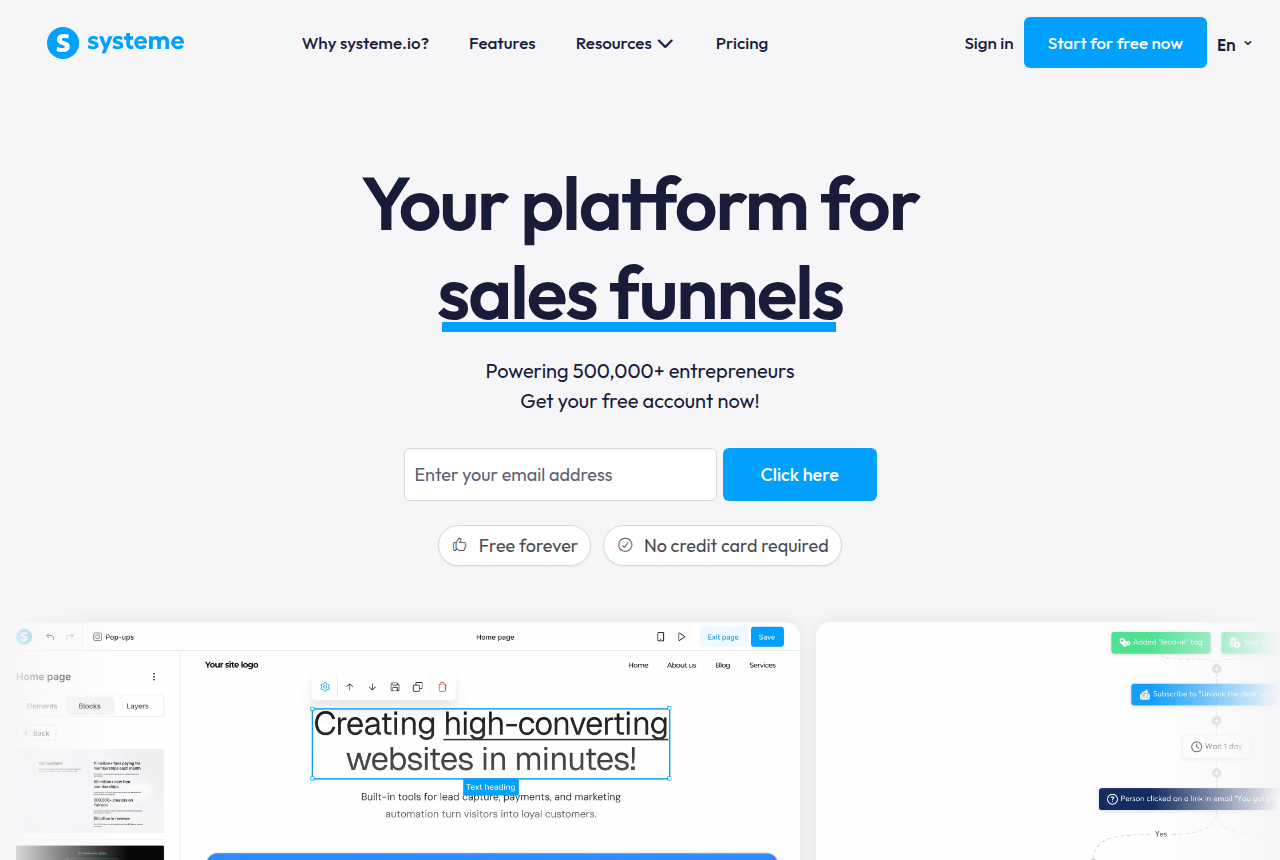
Systeme.io lets you publish the first funnel on a custom domain before you pay for software. The free plan lets you sign up without a card. Move to Startup when you outgrow its contact limit or its funnel limit. You get pages, email, and a checkout in one login. Paste the pixel using the steps in the tracking section above. The editor is simpler than one built for paid social. How tests behave once you pay is in the Systeme.io review. If the monthly bill is the whole question, the wider list is cheap builders under $50 a month.
Landingi is the other name people shortlist when they want server-side tests and the bill has to stay small. The current allowances are in the Landingi review.
A TikTok Instant Form when the lead can stay in the app
A TikTok Instant Form collects the lead inside the app, on TikTok's address. The load is TikTok's. A page you host is where the ttclid can stay on the URL, and where a server event can fire when the form is submitted. That is the path in the tracking guide above. Move to a page you publish when you need that path, a test in the builder, or an address you control.
If monthly price is the only question, use the cheap-builder guide linked above.
Open the Swipe Pages review
Plan limits and the server-event steps are in that review. If the clicks you buy will pass a visitor allowance, the Leadpages section above is the uncapped option. A native campaign, with its own disclosure rules, is a different page: builders for native ads. A checkout you own, with bumps and email in the same login, is sales funnel software for paid traffic. The rest of the rankings sit on the best-of hub.
Prices and product facts here come from each vendor's pricing or help page, and the page rules come from TikTok's ad format policy. The research method is in how we evaluate builders.
Sources

Written by
Marcus Reeve
Editor
Marcus leads the rankings at Lander Report. He reads the long threads where media buyers argue about which builder survives a Meta review and which one resets ad learning, works through the vendors' own docs and pricing pages, and verifies every price before it goes into a table. He writes the roundups and the head-to-heads, and he cares most about one question: does a test cost you your campaign's learning phase?
Last checked 2026-11-22
Comments
No comments yet. Questions and your own experience are welcome.
Thank you. Your comment will appear once it has been reviewed.