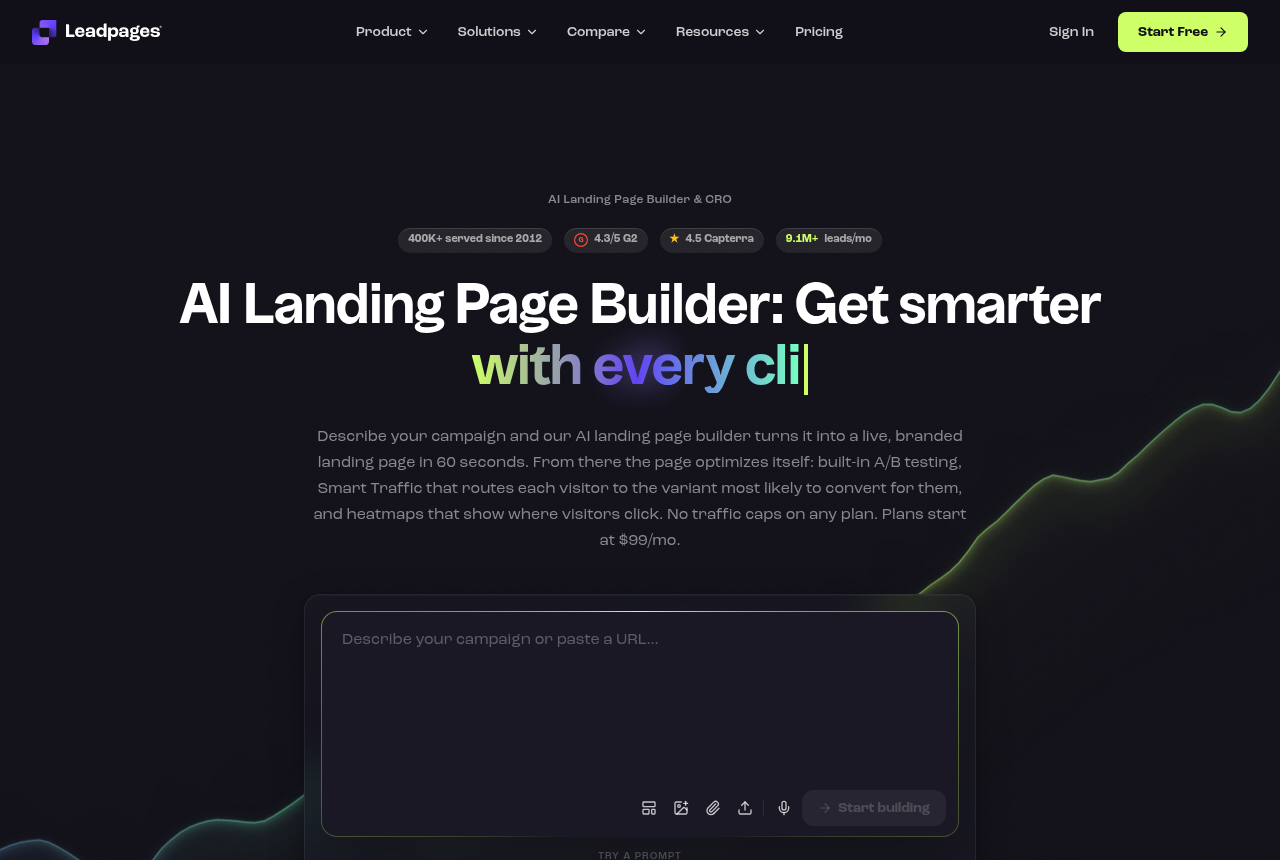
Leadpages
- Trial
- 7-day, card
- Split testing
- Server-side, from Grow
- Price (18 Oct 2026)
- Grow, $99 a month, unlimited traffic
I would start a trial here when a cold month might outrun a visitor allowance.
Your ad set finally left learning, and now you want to try a new headline on the lander. Swap the destination URL and the campaign starts over. The fix is a builder that keeps one link in the ad and picks each visitor's variant on its own server, so Meta, Google or TikTok never see an edit.
Size the test before you pick a plan
Meta treats a change to an ad's website URL as a significant edit. Practitioner write-ups such as this breakdown of what sends a campaign back into learning list the destination change beside budget jumps and new creative. Google handles it through review: its Upgraded URLs documentation exists so advertisers can change tracking without sending an ad back through editorial review, which a new final URL still triggers.
Same-URL testing sidesteps both. The ad keeps one published address. When a click arrives, the builder's server decides which version that person gets, then sends the HTML. A buyer in an r/PPC thread on Google Ads landing tests described it plainly: the platform sees the same ad and URL, and the traffic divides on arrival.
The usual workaround fails twice. Duplicating the ad so each copy points at its own page puts fresh ads into learning, and another r/PPC thread adds that the delivery algorithm then picks which ad runs, so the readout never settles. A funnel-step test that the vendor describes only as two versions of a step can be a fine headline test, though it is a different mechanism from holding the campaign's final URL still.
Leadpages' A/B testing page notes that Google shut Optimize down in September 2023, which took away the free script most buyers used for this. On whichever plan you would buy, confirm three things: a returning visitor keeps the same variant, the readout says when a gap is big enough to act on, and the traffic allowance holds the sample you need.
A test that stops mid-month because the visitor allowance ran out wastes the spend that fed it. These three either put the real test on a higher tier or drop the cap entirely.
I would start a trial here when a cold month might outrun a visitor allowance.
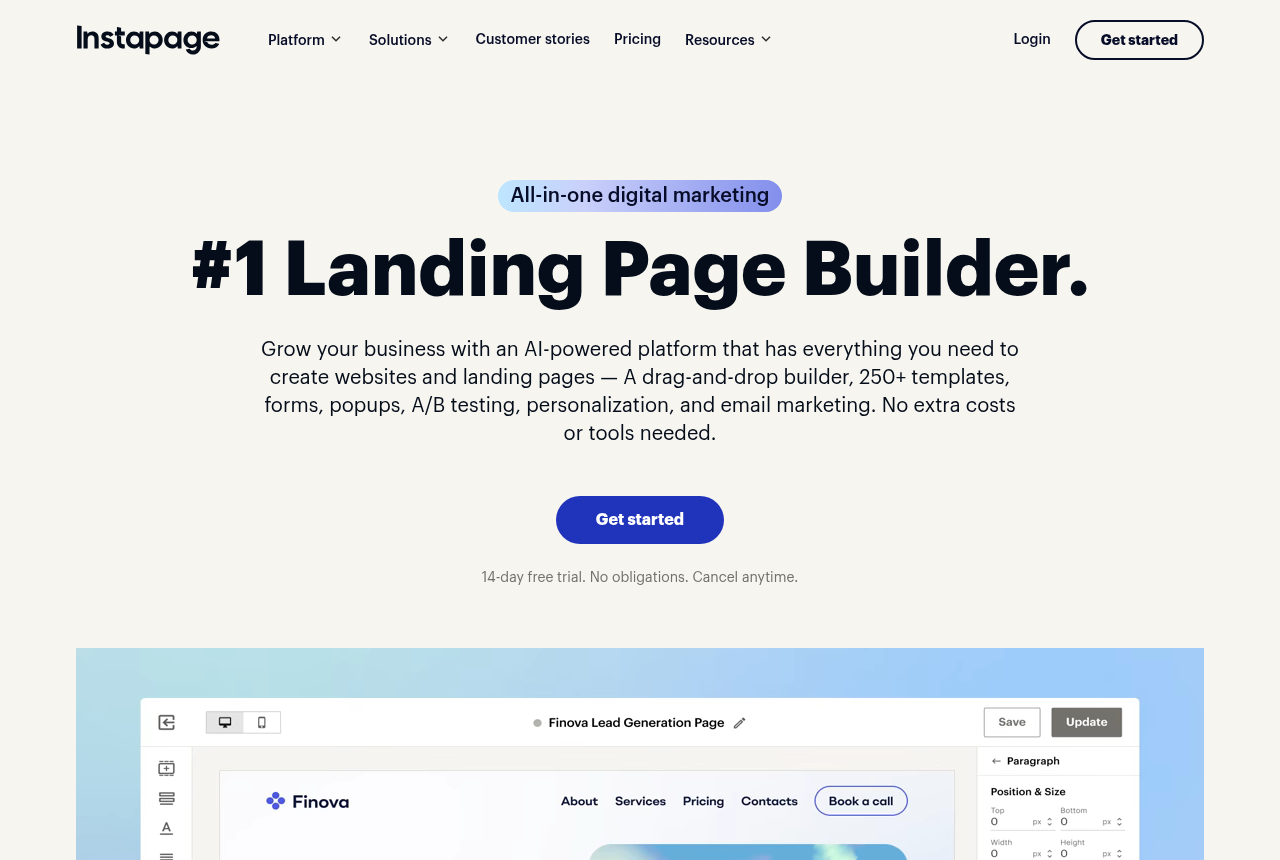
I would pay for this upgrade only after a live page is stuck without a test.
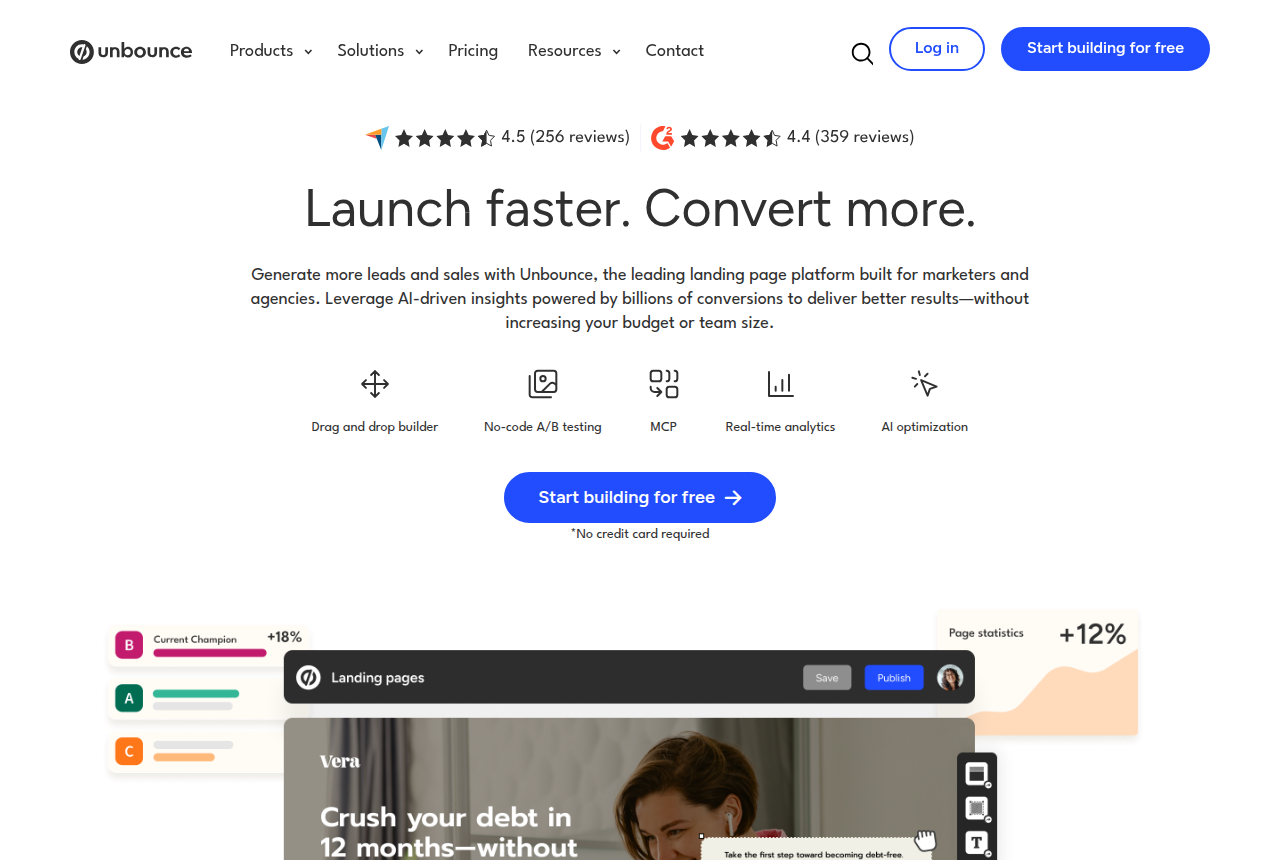
I would use it when each person has to keep seeing the same variant if they come back.
Leadpages says it assigns variants on the server, before the page renders, and its pricing page promises no traffic cap or overage fee on any plan. Testing starts on Grow, with up to six variants per page, and the trial collects a card. That suits a month where traffic is the unknown: a winning ad can double the clicks without pushing you onto another tier. Set it beside Unbounce in Unbounce vs Leadpages.
Instapage lists server-side testing on Optimize, with no flicker and a traffic split you can change while it runs. Create, the plan under it, does not carry that row. On the plans page, Create allows 15,000 unique visitors a month and Optimize 30,000. Upgrade once a live page is stuck without a test. Instapage vs Leadpages covers the rest of the gap.
Unbounce puts A/B testing on Experiment, with manual traffic allocation and confidence intervals listed on its pricing page. Its explanation of A/B testing says a visitor keeps seeing the same variant on a return visit. The vendor never calls the test server-side, so the accurate description is sticky variants on one published page. Go past the allowance and Unbounce bills the extra usage as a one-time charge, which is the objection if a test month runs hot.
If the monthly bill has to stay well under a hundred dollars, Swipe Pages still rotates variants under one URL. It covers the page and the form, and the order is taken in another system.
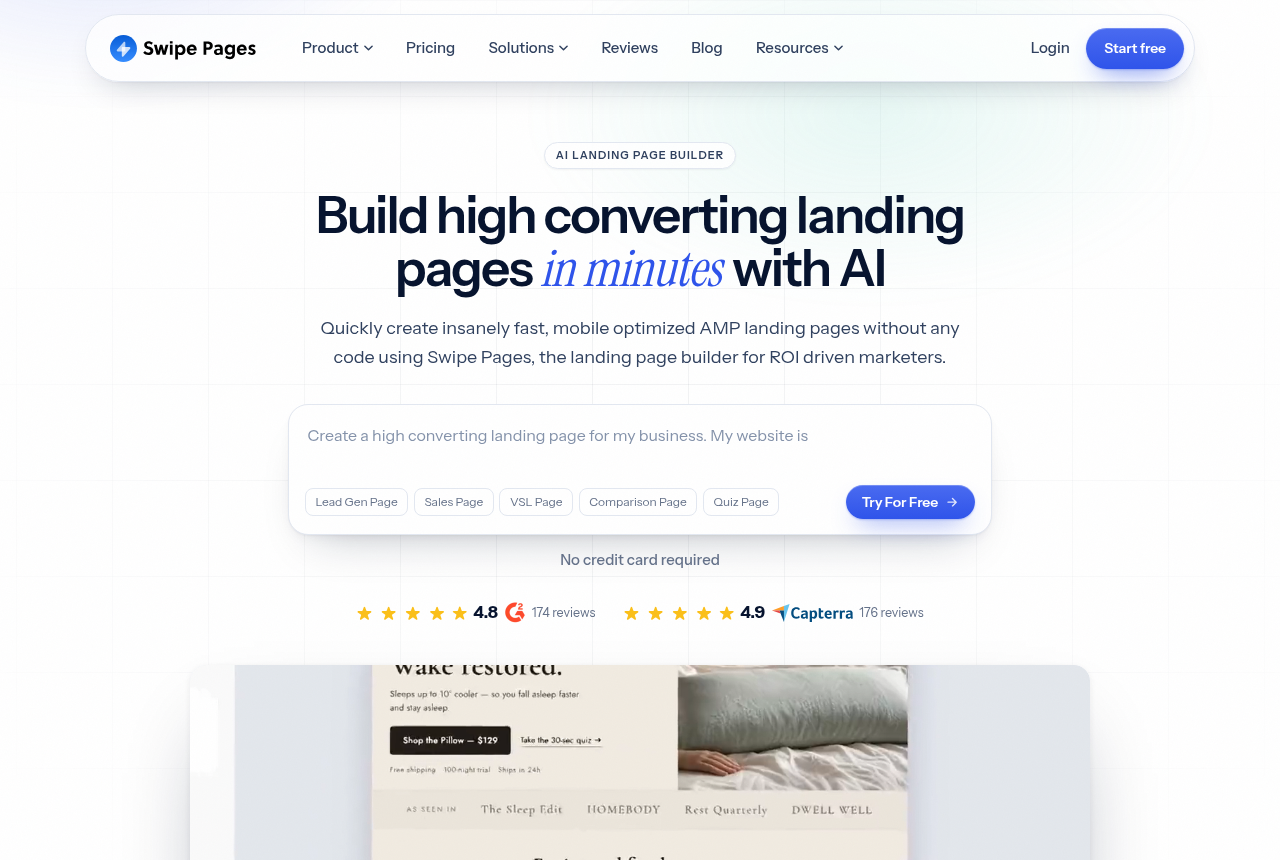
I would keep this for a fast mobile page when the sale happens in another tool.
Swipe Pages marks server-side A/B on Marketer and Agency and leaves it off Startup. Every plan carries a monthly visitor allowance, and the pricing page bills visits past it in blocks. Skip Startup if the test is why the account exists. This is the builder for a fast mobile lander when the sale is recorded somewhere else.
Against Leadpages, the trade-off is simple. Leadpages removes the cap and starts testing on Grow, while Swipe Pages keeps an allowance and puts the same kind of rotation on a cheaper plan, which holds as long as your sample fits inside it.
Some campaigns can live with a new destination, because they are still cheap to restart or are not optimising on conversions yet. A two-version test inside the funnel is enough to test a headline there, and it costs less to start.
I would use this when comparing two versions of one funnel step.
I would test a headline here before paying for a testing tier.
ClickFunnels describes its test as two variations of a funnel step. The feature page does not say the ad's URL stays fixed while it runs, so a buyer whose ad sets are sensitive to a destination change should treat it as a step test. Paid plans do not list a visitor cap, which matters when a good week doubles the clicks. If you also need checkout and follow-up, go to sales funnel software for paid traffic.
Systeme.io splits traffic between two page variations on every plan, the free one included, with up to three funnels there. Its sales funnels page frames the test around headlines, designs or offers. That is a sound way to try copy before the budget grows, and the vendor does not say the campaign URL stays put.
Landingi's catalog lists testing that assigns variants before render on the Optimize tier, at $119 a month billed annually. The Landingi review sets that tier out.
A builder can keep the URL steady and still hand you a winner that is noise. Settle the sample size before launch. The split-test sample size calculator turns your current rate, the smallest lift you would act on, and your daily visitors into a visitor count and a number of days.
On Instapage, Unbounce and Swipe Pages, those visitors count toward the plan allowance. When the sample is larger than the allowance, the test and the bill collide in the same month, and the landing page builder cost calculator shows what that month costs. A vendor's lift chart is the vendor's claim. Leadpages publishes one on its testing page, and it is no evidence that any of these tools will raise your rate.
I would size the test first, then buy the plan that can hold the sample. When visits swing and a cap would cut the month short, I would trial Leadpages Grow, card and all. A fast mobile page with the sale recorded elsewhere stays on Swipe Pages Marketer. I would skip Swipe's Startup, Instapage Create and the Unbounce plans under Experiment, because the test you came for is not on them.
A headline you are still unsure of can sit on the Systeme.io free plan until the campaign is worth protecting. I would move to ClickFunnels once the funnel itself is the product and a restart is acceptable. Instapage Optimize and Unbounce Experiment are the upgrades after a cheaper plan has already blocked the test. Builders outside this decision sit in the full landing page builder roundup.
Size the test before you pick a plan
11 discussions and reviews read for this page. Quotes are excerpts; open a link to read the original in context.

Written by
Marcus Reeve
Editor
Marcus leads the rankings at Lander Report. He reads the long threads where media buyers argue about which builder survives a Meta review and which one resets their ad learning, works through the vendors' own docs and pricing pages, and verifies every price before it goes in a table. He writes the roundups and the head-to-heads, and he cares most about one question: does a test cost you your campaign's learning phase?
Last checked 2026-10-18
No comments yet. Questions and your own experience are welcome.
Thank you. Your comment will appear once it has been reviewed.