Compare
Swipe Pages vs CartFlows
Quick answer
Swipe Pages is our top pick for most people. Pick Swipe Pages if you buy cold paid traffic and want a fast hosted lander with ad-safe same-URL testing and no WordPress to run; pick CartFlows if you already run a WordPress and WooCommerce store and want order bumps and one-click upsells on your own checkout without a monthly SaaS bill.
- Swipe Pages. Best for Fast AMP pages for mobile paid traffic. From $29/mo.
- CartFlows. Best for Self-hosted WooCommerce stores selling their own offer. Has a free tier.
Side by side
| Tool | Split testing | Checkout | Free trial | From |
|---|---|---|---|---|
| 1. Swipe Pages | Server-side, from Marketer | Stripe, PayPal, Razorpay | 14-day, no card | $29/mo |
| 2. CartFlows | Funnel-step A/B, not same-URL | Yes, WooCommerce | Free version, no trial | Free tier |
Where each one wins
Swipe Pages
What works
- Speed is the point, and it is real. Every page is built on Google's AMP framework, so it loads near-instantly on a phone. For paid traffic that is the number that matters, because a slow lander loses the click before it paints, and reviewers single the speed out above everything else.
- Its A/B testing is the ad-safe kind. From the $69 Marketer plan it splits traffic between variants server-side under one URL, so a test does not change your destination link and reset the Meta or Google learning phase. Dynamic text replacement matches the headline to the ad on the same page.
- It does not punish success. Landing pages and conversions are unlimited on every plan. Only monthly visitors are capped, and the overage is published up front at $5 per extra 5,000 visits, so a winning campaign does not trigger a surprise bill.
- There is a real checkout and a genuinely free trial. Stripe, PayPal and Razorpay checkout with order bumps and upsells is on every plan, and the 14-day trial is full-featured with no credit card, which most rivals do not offer.
What to watch
- The speed is bought with AMP's limits. AMP restricts custom JavaScript, heavy animation and some third-party scripts, so a visually complex or highly interactive page is harder to build here than in Unbounce or Instapage. Reviewers note the layout constraints, though most still find it fine for a standard lander.
- Measurement is thin. There are no native heatmaps, and users report tracking gaps such as call tracking, so you lean on your ad pixel, Zapier and an outside analytics tool to see the full picture.
- It is a page builder, not an affiliate tracker. There are no S2S postbacks to an affiliate network, so if you buy network offers you still run a dedicated tracker alongside it.
- Server-side A/B testing waits for the $69 Marketer plan, the template and native-integration library is smaller than the older tools, and support runs business hours (12x5), not round the clock.
CartFlows
What works
- It turns WooCommerce's plain checkout into a real funnel: optimized checkout layouts, order bumps, one-click post-purchase upsells and downsells, funnel-step A/B testing and analytics, all self-hosted with no cut taken from your sales.
- It is cheap and established next to hosted funnel SaaS. A free version lives on WordPress.org (4.8/5 from around 486 reviews, 200,000+ active installs), paid starts at $99/year, and it is built by Brainstorm Force, the team behind the Astra theme, so it is not a fly-by-night plugin.
- It works with the page builders you already use, Elementor, Bricks, Divi, Beaver Builder and Gutenberg, and with standard WooCommerce gateways like Stripe, PayPal and Square.
What to watch
- The loudest complaints are support and billing, not the software: Trustpilot and Capterra reviewers report slow responses, friction cancelling or getting a refund, and issues left unresolved. The 4.8 WordPress.org rating is far kinder because it captures installs, not billing disputes.
- It is only a checkout and funnel layer. There is no built-in email or CRM, so recovering carts or following up means bolting on more plugins, and living inside WordPress means setup can be fiddly and can conflict with other plugins.
- Its A/B testing is funnel-step level inside your own site, not the same-URL, server-side rotation that keeps Meta and Google ad learning intact, and the intro prices renew higher: $99 renews at $149, $199 at $299.
Hosted page versus WordPress plugin
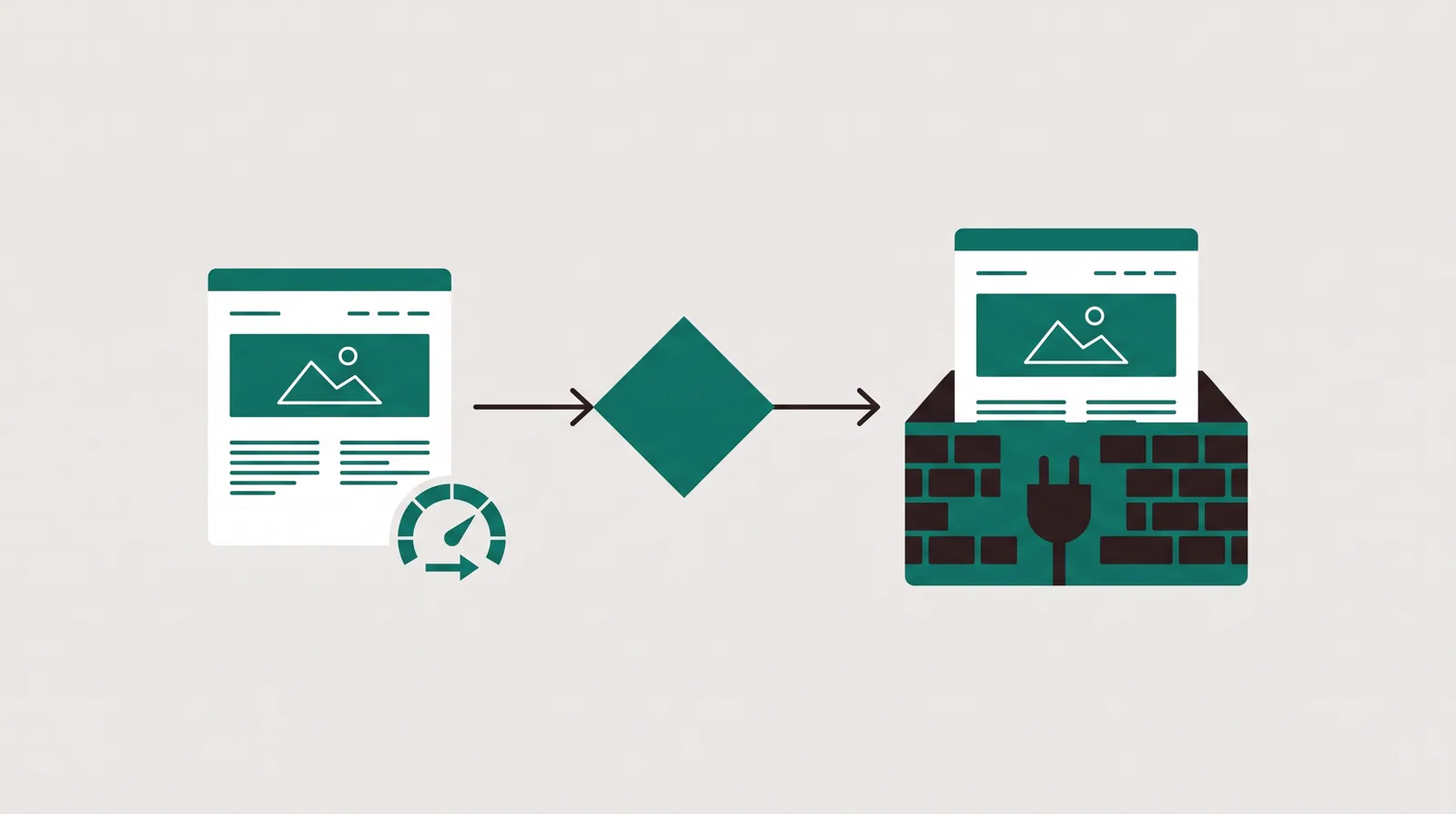
Swipe Pages and CartFlows both build pages, both take payments and both call what they build a funnel, which is why they end up on the same shortlist. They do not run in the same place. Swipe Pages is a hosted landing page builder: you sign in, build a page, and the vendor serves it. CartFlows is a WordPress plugin: it only exists inside a WordPress site you own, on top of WooCommerce, and it turns that store's plain checkout into a funnel with bumps and upsells.
That one fact settles most of the decision. If you do not run WordPress and do not want to, CartFlows is not a smaller version of Swipe Pages, it is a different project. You would be standing up hosting, a theme, WooCommerce and a page builder before CartFlows does anything. If you already run a WooCommerce store, the opposite is true: CartFlows is cheap, it sells your own products with no cut taken, and Swipe Pages would be a second place to build pages that your store cannot use.
For this site's reader, someone buying cold traffic and living on conversion rate, Swipe Pages is the better default. It is hosted, it is fast on mobile, and its testing is the ad-safe kind. CartFlows wins for the WooCommerce store owner who sells their own offer and wants funnel checkout without a monthly SaaS bill. Below is where each one earns its place.
Pricing compared
The two price in completely different shapes, so the sticker numbers do not compare directly. Swipe Pages is a monthly subscription metered by visitors. Startup is $29 a month billed annually and includes one custom domain, 20,000 monthly visitors, unlimited pages and conversions, and the built-in checkout. It does not include A/B testing. Marketer is the tier a paid-traffic buyer should price against: $69 a month annually, with server-side A/B testing, dynamic text replacement, five domains and 50,000 monthly visitors. Agency is $149 a month annually and raises the allowance to 500,000 visitors with unlimited domains. Above the allowance, extra traffic is published at $5 per 5,000 visits, and the 14-day trial takes no card.
CartFlows charges a WordPress license, billed once a year, and there is a genuinely free version on WordPress.org to try first. Paid Funnel Builder plans start at $99 a year for one site, which renews at $149. Pro is $199 a year for three sites, renewing at $299, or a $699 one-time lifetime licence. Suite is $299 a year for thirty sites, renewing at $449, or $999 lifetime, and adds five other Brainstorm Force plugins. There is no time-limited trial; instead a 14-day money-back guarantee. Read the renewal, not the intro: the first-year discount is real, and so is the higher price every year after.
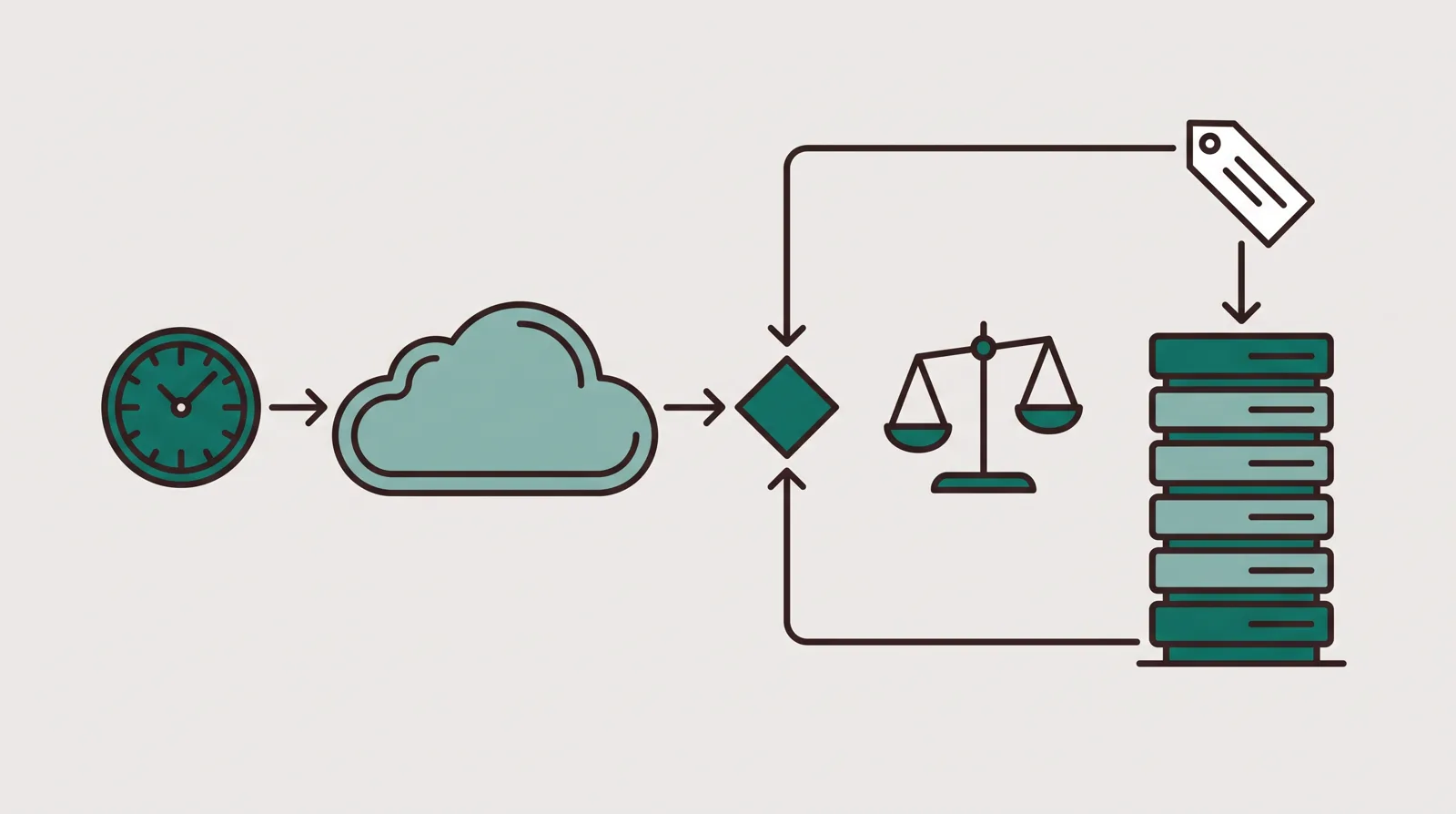
The CartFlows licence looks far cheaper because it is only part of the cost. It does not include hosting, a theme, WooCommerce extensions or the email tool a funnel usually needs, and it does not include your time keeping WordPress updated and unbroken. Swipe Pages folds hosting, speed and support into the subscription. So the honest comparison is not $99 a year against $69 a month. It is CartFlows plus your existing WordPress stack against Swipe Pages as a complete hosted page. If you already pay for and run WordPress, CartFlows is the cheaper way to add funnels. If you do not, Swipe Pages is usually cheaper once the whole stack is counted.
Page speed and split testing
Swipe Pages wins the front of the funnel, which is the part that decides a paid click. Every page is built on Google's AMP framework, and the vendor shows a 98 mobile PageSpeed score. The badge is not the point. A cold mobile visitor leaves before a slow page paints, so a lander that appears the moment someone taps the ad gives the offer a chance to work. Reviewers name loading speed as the single reason they picked it.
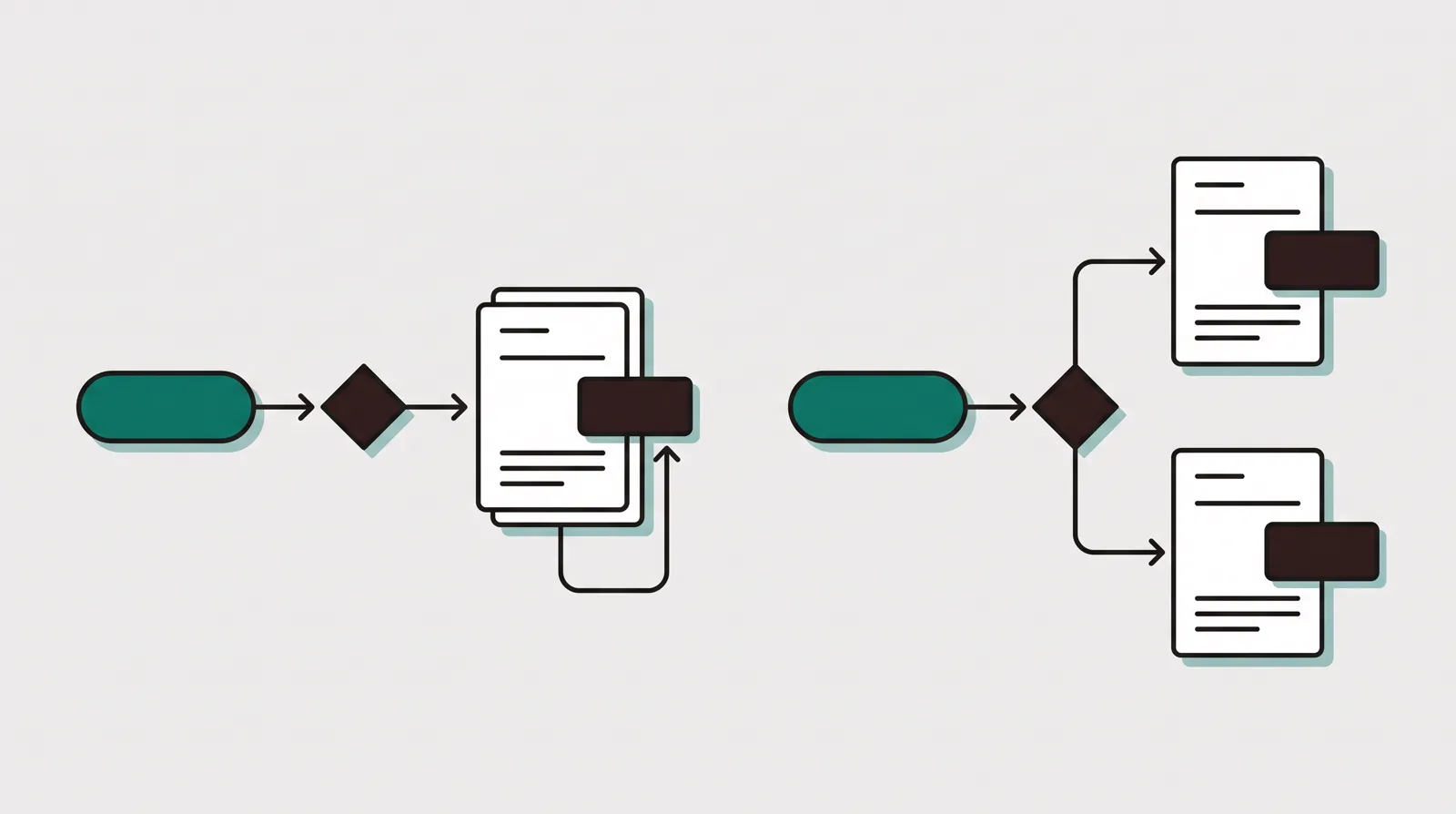
The testing is also the right shape for ad campaigns. From the $69 Marketer plan, Swipe Pages rotates variants server-side under one URL. The ad keeps a single destination link while the server decides which version to show. That avoids the common mistake of changing the destination and resetting the Meta or Google learning phase, or sending the ad back through review. CartFlows offers A/B testing too, but it is funnel-step testing inside your own site: it splits between separate step variants rather than rotating them under one address the way an ad platform wants. That is fine for optimising an on-site checkout flow. It is not the same-URL, server-side rotation that keeps campaign learning intact.
Swipe Pages pays for its speed with AMP's limits. Custom JavaScript, heavy animation and some third-party widgets are harder to use, so a visually complex or highly interactive page is easier to build in a general WordPress page builder. CartFlows inherits the freedom of whatever builder you already run, Elementor, Bricks, Divi, Beaver Builder or Gutenberg, so design is only as constrained as your theme. The trade is speed and simplicity against flexibility and maintenance.
Checkout, upsells and follow-up
This is where CartFlows earns its reputation. It rebuilds WooCommerce's plain checkout into a real funnel: optimised checkout layouts, order bumps at the cart, one-click post-purchase upsells and downsells, and step analytics, all on your own site with no percentage taken from your sales. It uses the WooCommerce gateways you already have, Stripe, PayPal or Square, and because it is self-hosted, the customer and order records stay in your database. For a store selling its own products, that is a strong, cheap checkout upgrade.
Swipe Pages has a checkout too. Stripe, PayPal and Razorpay forms with order bumps and upsells are included on every plan, so a seller can build the lander and take payment without a separate cart. It is a lighter checkout than CartFlows on a mature WooCommerce store, and it is hosted rather than sitting in your own database. For a simple own-offer funnel that is enough; for a full catalogue with WooCommerce extensions, CartFlows has more room.
Neither tool follows up after the sale. CartFlows has no built-in email or CRM, so recovering an abandoned cart or emailing a buyer means bolting on another plugin or an outside email service. Swipe Pages has no CRM either and passes leads out through direct integrations or Zapier. And neither is an affiliate tracker: there are no server-to-server postbacks to ClickBank, BuyGoods or Digistore24 in either product, so if you promote network offers you keep a dedicated tracker alongside whichever you choose.
What long-term users report
We do not run these tools on live campaigns. We read long-term user reports, check each vendor's own documentation and current pricing, and verify prices with the vendor. That method shows two different risk profiles.
Swipe Pages has a smaller but consistent set of reviews. Speed is the repeated praise. The repeated criticism is the trade behind it: AMP restricts some layouts, scripts and interactive elements, there are no native heatmaps, and users flag measurement gaps such as call tracking. Support reviews are generally positive, though the team works business hours rather than around the clock.
CartFlows has far more outside proof, and it splits by where you look. Its WordPress.org listing is warm, around 4.8 out of 5 across roughly 486 reviews with more than 200,000 active installs, and it is built by Brainstorm Force, the team behind the Astra theme, so it is not a fly-by-night plugin. Trustpilot and Capterra are harsher, and the pattern there is not the software, it is support and billing: slow responses, friction cancelling or getting a refund, and issues left open. If you buy it, keep your own record of the cancellation steps and treat the annual renewal date as a diary entry.
Which one should you pick?
Swipe Pages, for cold paid traffic and ad-safe testing
Choose Swipe Pages when the job is to turn a paid click into a lead or sale fast, and you do not want to run a website to do it. The $69 Marketer plan is the useful tier because it adds server-side testing under one URL and dynamic text replacement on top of AMP speed and the built-in checkout, and the 14-day trial takes no card. Accept the limits before you commit: AMP restricts some custom scripts and interactions, there are no native heatmaps, and network attribution still needs a separate tracker.
CartFlows, for a WooCommerce store selling its own offer
Choose CartFlows when you already run WordPress and WooCommerce and sell your own products. It is the cheap, established way to add optimised checkout, order bumps and one-click upsells without paying a hosted funnel builder every month, and the free version lets you try it before spending. Go in knowing the real cost is CartFlows plus your WordPress stack, that there is no built-in email or CRM to follow up with, and that the loudest complaints are about support and billing rather than the plugin itself.
ElasticFunnels, for an own-offer team buying paid traffic
If you want Swipe Pages' ad-safe test and CartFlows' real checkout on one record, without standing up WordPress to get the checkout, ElasticFunnels is the segment pick. It is a funnel platform for teams running paid traffic. It builds or clones the page, rotates variants server-side under one campaign URL, hosts a checkout with order bumps, one-click upsells and subscriptions, and keeps the click, order, rebill and refund on one record with attribution, a CRM and automations. Starter is $97 a month, every feature is on every plan, and the 14-day trial needs no card. Revenue processed through its hosted checkout carries a 0.5% fee, and sales on external platforms are not charged. Its multi-MID payment routing matters most to sellers pushing enough card volume to need more than one merchant account; a seller taking a handful of orders a week will not lean on it, but still gets the checkout, the upsells and the one-record reporting.
The drawback is plain. ElasticFunnels is newer than both tools here, and there is very little independent third-party review coverage to check its claims against yet. Until you run real volume through it you are largely taking the vendor's word, which is what you would expect of a platform this recent. That is a limit on outside proof, not on the checkout or the split testing themselves, and the no-card trial exists so you can run one real campaign through it before moving a business across.
For the next step, read the Swipe Pages review, the CartFlows review and the ElasticFunnels review. The ElasticFunnels vs Swipe Pages and ElasticFunnels vs CartFlows comparisons isolate the two platform questions, and the full ranking puts both tools in context.
Our pick
Swipe Pages
Swipe Pages is real, and it is a good fit for paid traffic. It has run for years, more than 7,000 marketers use it, and its AMP pages load near-instantly on mobile, which is exactly what a cold click needs. Its A/B testing is the ad-safe, same-URL kind from the $69 Marketer plan, conversions are unlimited on every plan, and the 14-day trial takes no card. You would regret it if you need heavy design freedom or built-in heatmaps: AMP limits custom code, and there is no native heatmap or call tracking. Buy it if you want a fast, focused lander with ad-safe testing and a real checkout, from $29/mo. Look elsewhere if you need a rich, interactive page or a full affiliate-tracking stack in one tool.
Frequently asked questions
Which is better, Swipe Pages or CartFlows?
Do Swipe Pages and CartFlows both support A/B testing?
Swipe Pages official sources
From Swipe Pages
CartFlows official sources
From CartFlows
Other sources
11 discussions and reviews read for this page. Quotes are excerpts; open a link to read the original in context.
- [g2-speed] Swipe Pages Reviews & Product Details
- [cap-flex] Swipe Pages Reviews 2026, Verified Reviews, Pros & Cons
- [g2-tracking] Swipe Pages Pros and Cons, User Likes & Dislikes
- [tp-support] Swipe Pages Reviews, Read Customer Service Reviews of swipepages.com
- [g2-checkout] CartFlows Reviews
- [bx-orderbump] Cartflows Review 2026 - Is It Just a Hyped-Up Product?
- [wpc-paid] CartFlows Review (September 2026) - Worth It?
- [tp-service] CartFlows Reviews | Trustpilot
- [tp-format] CartFlows Reviews | Trustpilot
- [cap-learn] CartFlows Reviews 2026 | Capterra
- [cap-conflict] CartFlows Reviews 2026 | Capterra