Quick answer
Unbounce is our top pick for most people. Pick Unbounce if you buy paid traffic and need a dedicated landing page builder, with unlimited A/B tests on the Experiment plan, and you will run checkout and email somewhere else. Pick Builderall if you sell your own products and want the funnel builder, MailingBoss and Supercheckout on the Advanced plan, and you can live without same-URL ad tests.
- Unbounce. Best for pure landing pages, with checkout handled elsewhere. From $22/mo.
- Builderall. Best for getting many tools at a low monthly price. From €7.50/mo.
Side by side
| Tool | Split testing | Checkout | Free trial | From |
|---|---|---|---|---|
| 1. Unbounce | A/B on Experiment tier | No | 14-day, no card | $22/mo |
| 2. Builderall | No same-URL testing | Yes, from Essentials | No trial, 30-day refund | €7.50/mo |
Where each one wins
Unbounce
What works
- A mature drag-and-drop builder with a large template library, trusted by paid-media teams for years.
- Smart Traffic routes visitors to the variant most likely to convert, useful when a clean A/B test is hard to run.
What to watch
- Plans are capped by monthly visitors, and classic A/B testing only starts on the $149 Experiment plan, so testing on paid traffic is not the cheapest option here.
- There is no checkout, so sellers with their own offers still need a separate cart.
Builderall
What works
- It really is the widest toolkit for the money. One login covers a website and funnel builder, the MailingBoss email platform, SuperCheckout, booking, courses, webinars, a CRM and chatbots, and users describe cancelling several separate subscriptions after they switch. Plans start at €7.50 a month, billed annually.
- The AI build tools are genuinely useful for shipping fast. An AI website builder generates structure and content, an AI email builder drafts broadcasts and sequences, and Magic Lab makes images. For someone launching many angles a week, that speed is real.
- Builderall reports more than two million users across 25-plus tools and has run for years, so it is a known quantity rather than a product that might disappear next year.
What to watch
- It is not built to run cold paid traffic. There is no same-URL server-side split testing. A page test can put the ad back into the learning phase on Meta and Google, and there are no postbacks to an affiliate network.
- Reliability is the sharpest complaint. Users report recurring weekly outages, with pages and SuperCheckout failing to load, as well as features breaking after major updates. When ads are running, downtime wastes the ad budget on a page people cannot open.
- Support and the email tool draw steady criticism: multi-day ticket waits, conflicting answers from agents, and complaints about poor MailingBoss deliverability. The wide toolkit also means less depth, and reviewers say many of the 25-plus tools fall short of products built for a single job.

A landing page builder, or the whole subscription
You are down to two names. One is the landing page builder that paid-media teams have used for years. The other is a platform that bundles a lot of marketing tools, and its lowest public price looks much smaller.
The jobs are different. Unbounce builds personalized landing pages for marketers. Checkout and email stay in other products. Builderall is for someone selling their own products, with funnels, MailingBoss and Supercheckout on one subscription. Classic A/B tests on Unbounce start on the Experiment plan. Builderall's funnel builder starts on the Advanced plan. Compare those two plans. The cheaper headline prices sit below both of them.
If you want a test and no visitor cap, read Leadpages vs Builderall. Here, every Unbounce plan caps visitors, and classic testing starts on Experiment.
What the useful plans cost
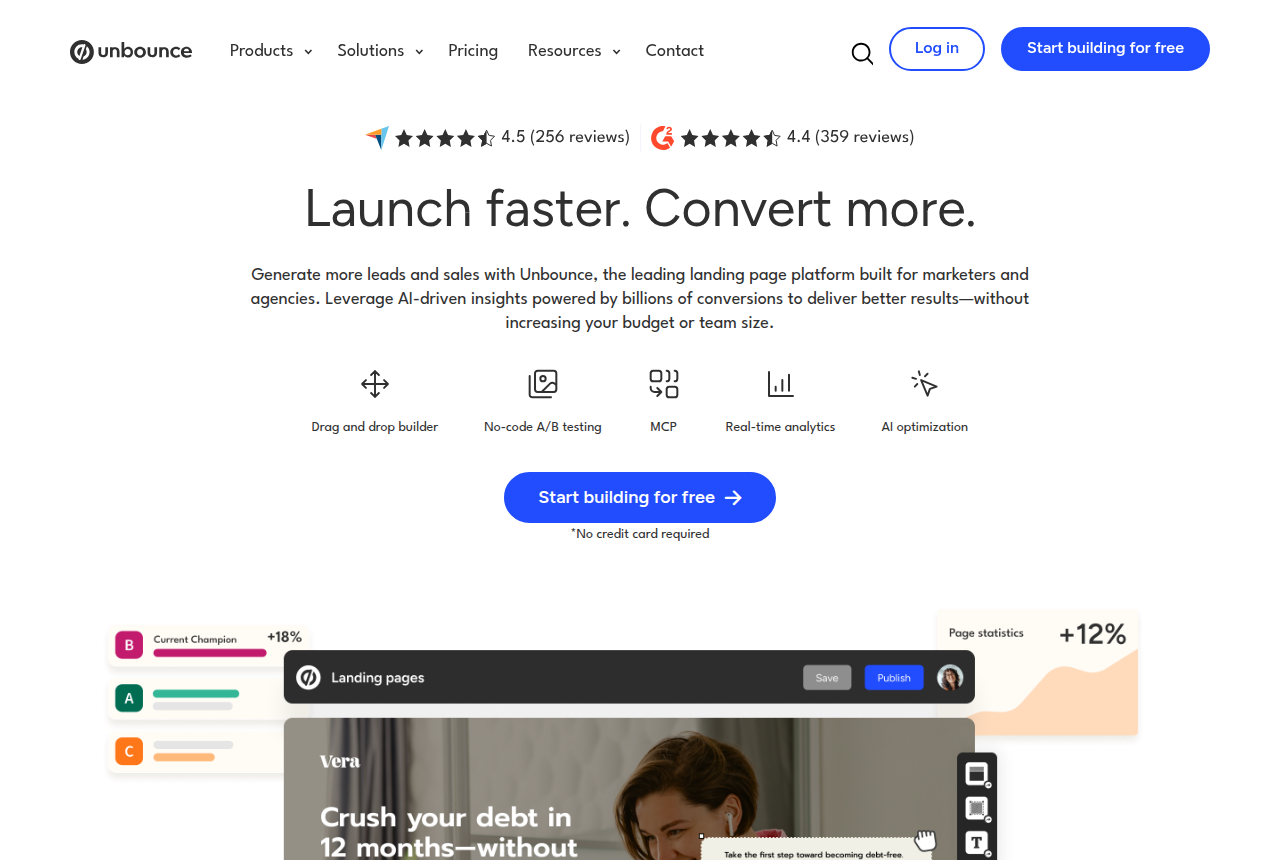
Unbounce's pricing page says you can start free, and it does not ask for a card. Paid plans cap monthly visitors. If traffic exceeds the cap, the pages stay online, and Unbounce bills the extra once for that cycle. Paying annually costs about a quarter less than the monthly price. Builderall's prices below are in euros for a yearly plan.
Unbounce Starter. $29 a month, or $22 billed annually. Up to 500 visitors a month on the annual plan, and 5 pages. Classic A/B testing is on the Experiment plan.
Unbounce Experiment. $149 a month, or $112 billed annually. Up to 30,000 visitors, unlimited A/B testing and dynamic text replacement.
Unbounce Optimize. $249 a month, or $187 billed annually. AI traffic optimization, sold as Smart Traffic.
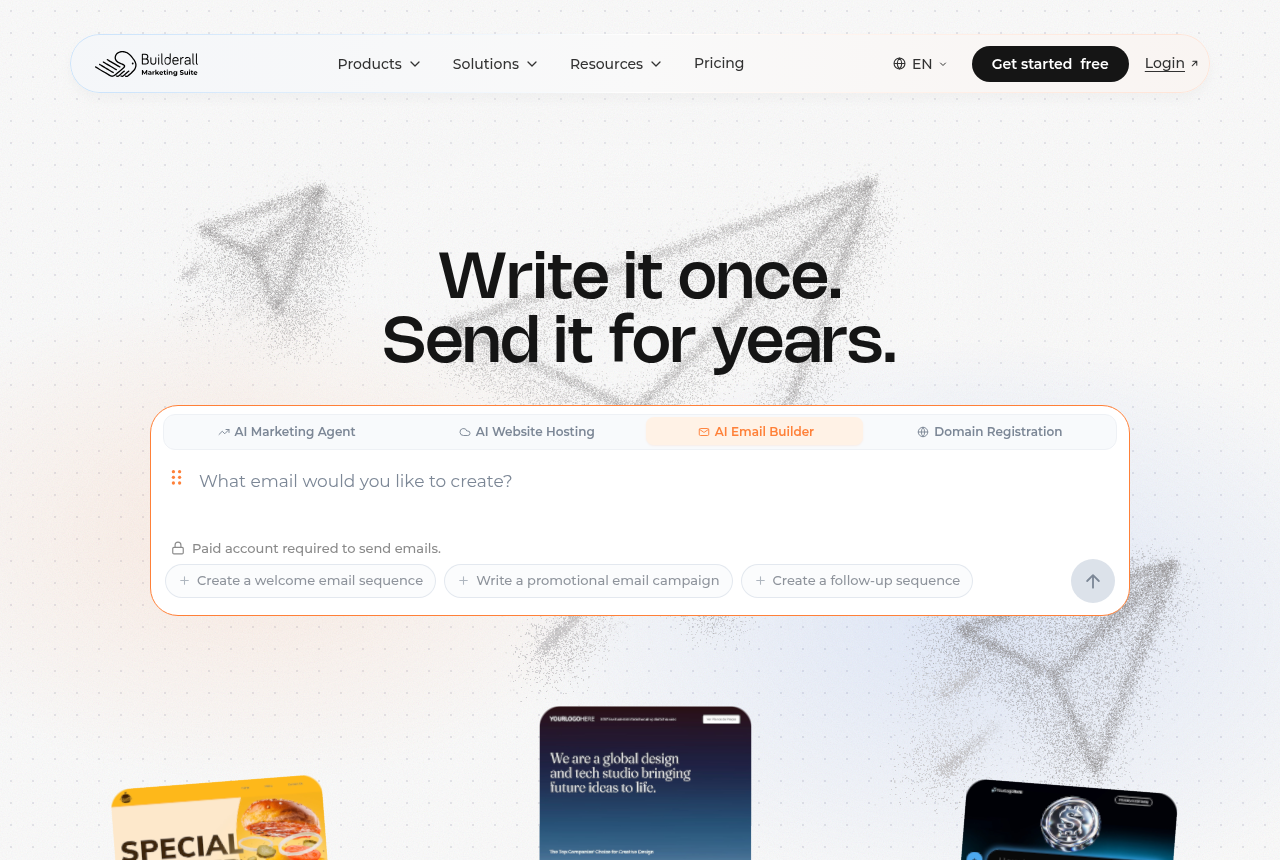
Builderall Essentials. €21.75 a month if you pay yearly. Supercheckout, MailingBoss and 10 sites. Funnels start on Advanced.
Builderall Advanced. €45.75 a month, paid yearly. Funnel builder, a CRM and 25 sites.
Builderall's checkout prices by region, so the currency you see depends on where you are. There is no free trial. Every plan includes a 30-day money-back guarantee.
Across these Unbounce plans you get landing pages, popups and forms. If you charge customers yourself, you still need a cart.
Builderall vs Unbounce for paid ads
Unlimited classic A/B testing starts on Experiment, and that plan also includes dynamic text replacement. Unbounce does not describe those versions rotating under one campaign link, so set the ad's destination in the ad account.
People who buy ads describe that built-in test as straightforward when the client's own website cannot host one. You also live with a visitor cap, a one-time overage if traffic spikes, and the Experiment price if you want that test.
Builderall's funnel builder says to use A/B tests on the capture page, then review the campaign results and change the page. That is the only testing detail on the page. It never describes a test that keeps a single destination URL.
Smart Traffic is on the Optimize plan, one tier above Experiment.
Builderall's outage reports
Trustpilot reviews describe outages that return week after week, with websites, Supercheckout and email failing to load in the same stretch of days. Builderall's terms say some tools are in beta and may have bugs, interruptions or failures. A landing page or checkout that fails to load wastes the click, because the visitor never sees the offer.
Which account to open
Choose Unbounce for the landing page
Unbounce is the account for a team that already has a cart and an email tool, and wants a mature page builder with classic A/B tests. Price the Experiment plan before you assume the test is included, and check the visitor cap on the plan you buy. The pricing page linked above lets you open an account before you pay.
Choose Builderall for one subscription
Builderall is for someone selling their own products who wants funnels, MailingBoss and Supercheckout together, and who can use the test described on the funnel page. Funnels are included on Advanced. Read the outage reports as part of that choice. When the site, the checkout or email is down, people who clicked the ad land on a page that will not open.
One campaign link, and the order on the same record
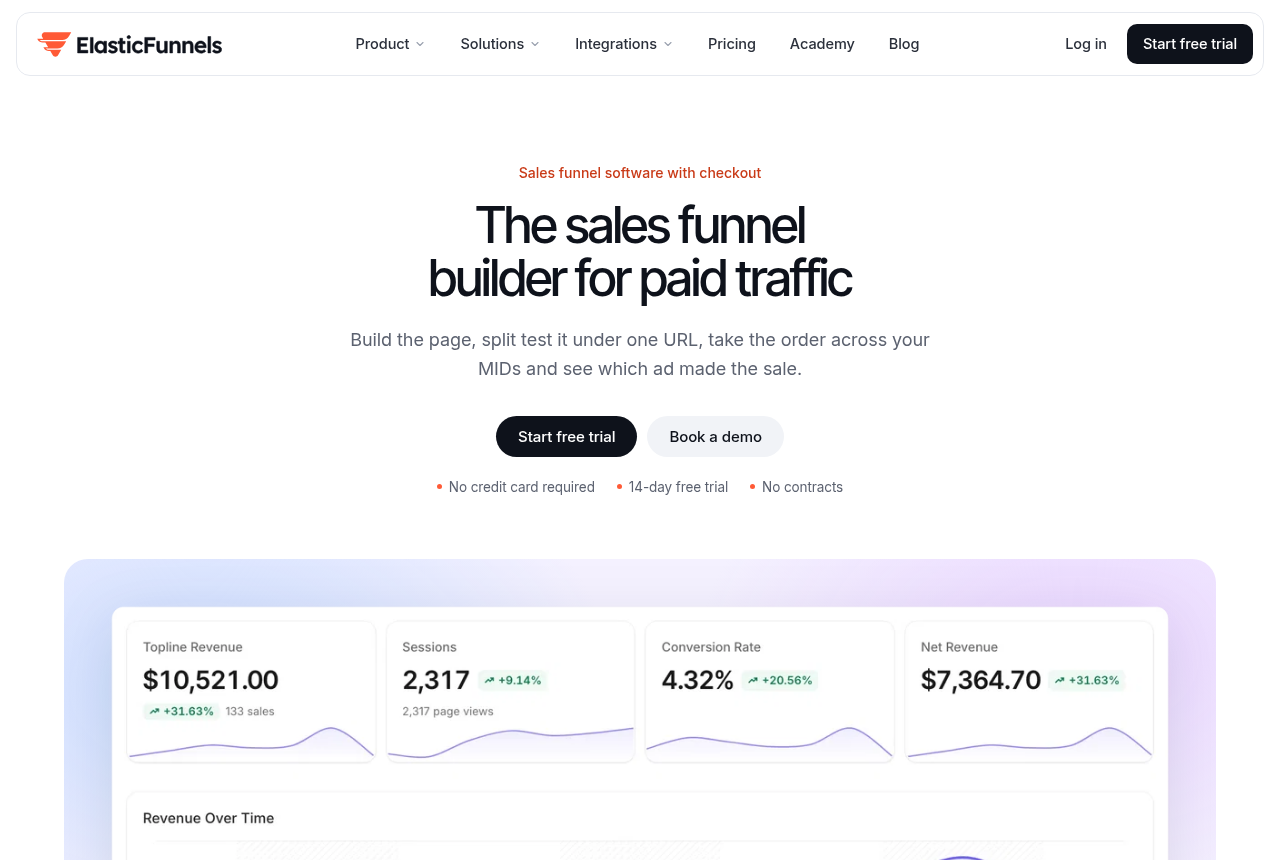
ElasticFunnels is a funnel platform for teams that run paid traffic. Affiliates, product vendors, agencies and ecommerce brands use it for the pages, the checkout, a CRM and attribution on one data layer. A page can be generated from a prompt or cloned from a URL.
For this pair, the useful difference is the campaign link. Every plan can run up to five variants on one campaign link. The server swaps them, so the ad keeps the same destination. Meta, Google and TikTok keep their learning, and the ad does not go back through review. That link is one part of the product. Checkout on the same record can include an order bump and a one-click upsell. It charges through Stripe, NMI, PayPal, Klarna or Authorize.net, and it can send a buyer on to ClickBank, Digistore24, BuyGoods or Shopify Checkout. If you already have more than one NMI merchant account, the first sale can be split across them. The upsell stays on the account that took that sale. Stripe, PayPal, Klarna and Authorize.net are each a single account, and they are not part of that split. Visits, orders, rebills and refunds share one timeline, and automations use that same record.
Starter is $97 a month, Growth is $197 and Scale is $497. Features do not change between those plans. The allowances do: page views, brands, domains, team seats and automation runs. The trial lasts 14 days and does not need a card. You can set up a page, a funnel and a custom domain before it ends. The 0.5% fee applies to revenue through Stripe, NMI, PayPal, Klarna or Authorize.net. Sales through ClickBank, BuyGoods, Digistore24, Shopify Checkout or Shop Pay sit outside that fee.
Buyers who want a landing page compare ElasticFunnels with Unbounce. Kartra comes up when the buyer wants email, pages and checkout in one subscription. It is the one to look at when the campaign link has to stay the same and the order has to sit with the click. Between Unbounce and Builderall, Unbounce is still the pick.
ElasticFunnels is newer than the platforms it competes with, and there is very little independent third-party review coverage to check its claims against. Until you run real volume through it, you are largely taking the vendor's word for it. That is what you would expect from a product that has been around since 2023. Landing pages, the split test and checkout are on every plan. The orders you run are how you judge the claims.
Other pages on this choice
- Unbounce vs Leadpages compares two page tools, including the visitor cap.
- Landingi vs Builderall puts another page builder next to this bundle.
- ElasticFunnels vs Unbounce stays with the campaign link.
- ElasticFunnels vs Builderall sets that link next to the wider toolkit.
- The Builderall review covers the toolkit in one place.
- The ElasticFunnels review covers the paid-traffic platform on its own.
- Read how to test a landing page without resetting ad learning when the campaign URL has to stay put.
- The roundup of lower-priced page tools is the wider list when budget comes first.
- The comparison hub has the other matchups.
See the Unbounce plan breakdown before you open the trial.
Our pick
Unbounce
Unbounce is the pick if you want a fast, mature page builder with AI traffic routing and you do not take payment on the page. Budget for the traffic caps, and note that classic A/B testing only starts on the Experiment plan, above the entry tier.
Frequently asked questions
Does Builderall replace Unbounce for Google Ads?
Which Unbounce plan includes classic A/B testing?
Does either product take a payment on the page?
If I am comparing Builderall vs Unbounce and I sell my own products, which way do I go?
Can I try either product before I pay?
Unbounce official sources
From Unbounce
Builderall official sources
From Builderall
Other sources
4 discussions and reviews read for this page. Quotes are excerpts; open a link to read the original in context.
- [uvb-ppc-ab-easy] PPC discussion of tools for landing page tests
- [uvb-ppc-rec] Looking for recommendations for landing page A/B testing platforms
- [uvb-ba-capture-ab] Funnel Builder
- [uvb-ba-terms-beta] Terms of Use
Keep reading
Comments
No comments yet. Questions and your own experience are welcome.
Thank you. Your comment will appear once it has been reviewed.