Compare
Instapage vs Kartra
The short answer
Pick Instapage if you buy traffic and need server-side page experiments under one URL; pick Kartra if you sell your own course, coaching or membership and want pages, email, checkout, delivery and support in one account.
Side by side
| Instapage | Kartra | |
|---|---|---|
| Starts at | $99/mo | $52/mo |
| Split testing | Server-side on Optimize tier | Page-level, not same-URL |
| Checkout | No | Yes |
| Free trial | 14-day, no card | 14-day, card |
Where each one wins
Instapage
What works
- AdMap and ad-to-page personalization line up each ad with its own page, which pays off across a lot of creatives.
- Server-side A/B testing avoids flicker, and heatmaps show where visitors drop off.
What to watch
- It is the priciest option here: $99/mo to start with a 15,000-visitor cap, and server-side testing only on the $199 Optimize plan.
- There is no checkout, so payment lives in another tool.
Kartra
What works
- It really is one system, and reviewers say the consolidation is the point. Pages, email and SMS, native checkouts, courses, memberships, a helpdesk and your own affiliate program run under one login, and users describe cancelling separate CRM, email and cart subscriptions after moving in.
- From the Starter plan up it takes no cut of your sales (0% transaction fees) and includes unlimited pages, products and courses plus webinars. For a creator selling their own offer, that is a lot of platform for $99/mo on the annual plan.
- It is established and low-risk to trust. Kartra has run since 2018, reports more than 60,000 customers, and is a known quantity rather than a product that might disappear next year.
What to watch
- It is built to sell your own courses and coaching, not to run cold paid traffic. There is no same-URL, server-side split testing, so a page test can reset the ad learning Meta and Google rely on, and there are no affiliate-network postbacks for buying traffic.
- Support is the most repeated complaint. Reviewers report multi-day waits and generic 'clear your cache' replies, and even satisfied users call the team slow to respond.
- The $52/mo annual Essentials tier is thin and takes a 5% cut of sales for 5 pages and 1 product. Starter costs $99/mo annually, removes that fee and raises the limits. New users also find the editor dated and slow to learn.
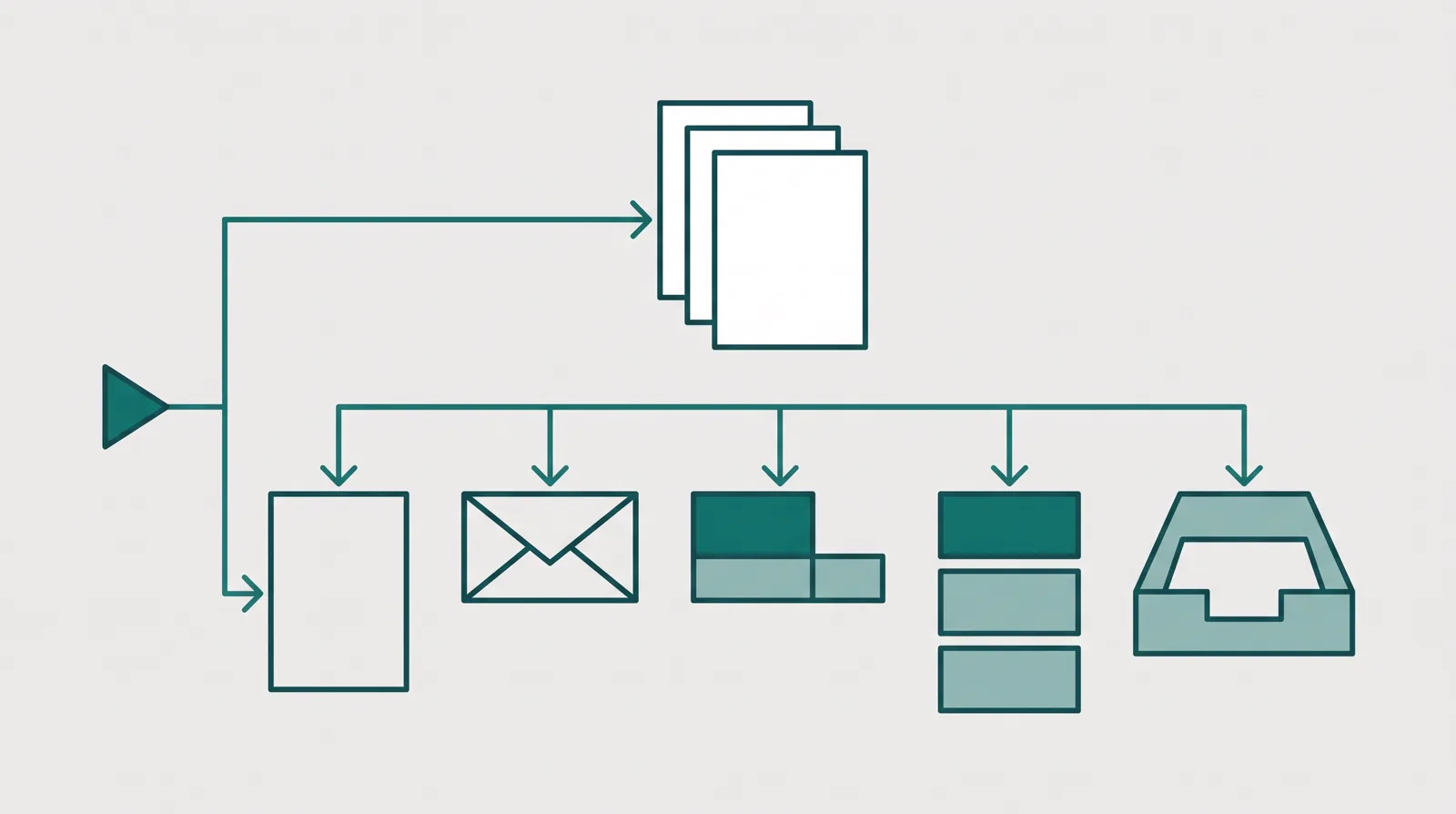
The decision is specialist versus platform
Instapage and Kartra can both publish a landing page, but that overlap hides the real choice. Instapage is a landing page platform built around digital advertising. Kartra is a creator platform that also builds pages. If the page and the experiment are the centre of your work, Instapage fits. If the page is only the front door to a course, coaching offer or membership that you also need to sell and deliver, Kartra fits.
For this site's paid-traffic reader, Instapage is the stronger default. Its Optimize plan runs server-side A/B experiments, keeps variants under one URL and records the hypothesis and experiment history. That is the work a media buyer repeats every week. Kartra can test pages, but its page-level testing does not provide the same stable campaign destination, and the rest of its budget goes into email, checkout, courses, memberships, calendars, video and support.
Kartra can still be the better buy. An established creator may spend less on one connected account than on separate tools for email, checkout, course delivery, booking and a helpdesk. That is also the reason it feels heavier and takes longer to learn. Instapage does less beyond the landing page, but it goes deeper on the page, the experiment and the ad-to-page workflow.
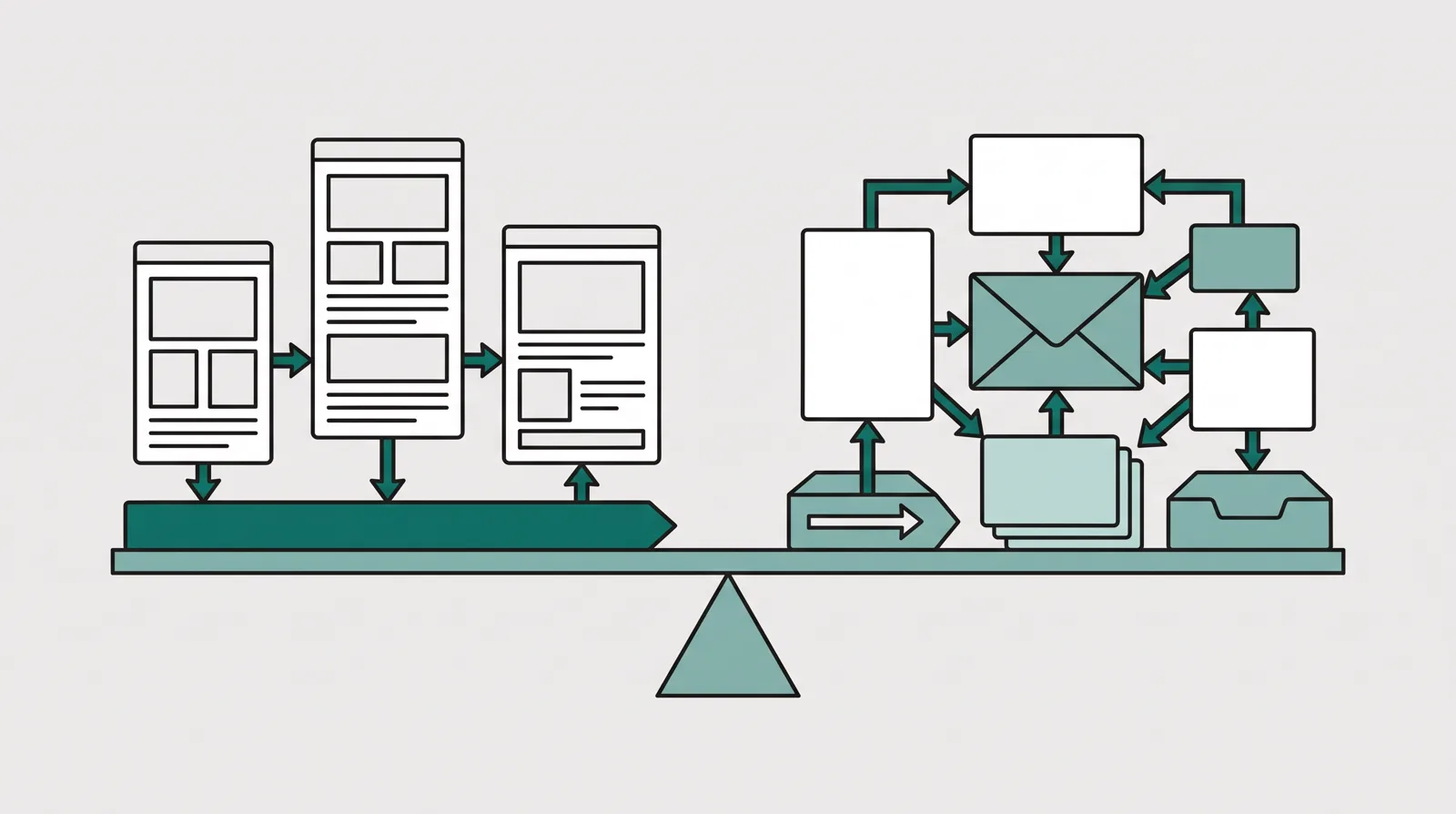
Pricing compared
Instapage starts at $99/mo on Create with 15,000 monthly visitors. Create covers the drag-and-drop builder, more than 200 templates, collaboration, reusable blocks, forms, popups and integrations, but it does not include the server-side experimentation that makes Instapage worth comparing for paid traffic. Optimize costs $199/mo with 30,000 monthly visitors and adds server-side A/B testing, traffic splitting, experiment history, scheduling, multi-step forms and dynamic text replacement. Convert is custom-priced and adds the enterprise layer, including ad-to-page personalization, heatmaps, global elements and dedicated services. Annual billing lowers the monthly equivalent. The free trial lasts 14 days and does not require a card.
Kartra looks cheaper at the entry point. Its annual rates are $52/mo for Essentials, $99/mo for Starter, $189/mo for Growth and $429/mo for Professional. Paid monthly, those plans are $59, $119, $229 and $549. Essentials is narrow: 500 contacts, 5 pages, one product, one course and a 5% transaction fee. Starter is the realistic comparison for a business. At $99/mo annually it removes the transaction fee, raises the contact limit to 2,500 and includes unlimited pages, products and courses plus webinars. Growth adds automations, affiliate management, surveys and quizzes. Professional adds real-time funnel analytics and API access. Kartra gives you 14 days to try it, requires a card and backs the purchase with a 30-day money-back guarantee.
Do not compare $99 Instapage Create with $52 Kartra Essentials and stop there. The useful tiers depend on the job. For serious page experimentation, compare Instapage Optimize at $199/mo with the Kartra tier that carries the business tools you need. For a creator who needs checkout and delivery, Kartra Starter at $99/mo annually is much more complete than Instapage at any tier because Instapage has no native checkout or course host. For a media buyer who already has those systems, paying Kartra for them creates more software to manage without improving the page test.

Landing pages and campaign testing
Instapage wins this part cleanly. Its builder is made for producing many campaign pages, handing them between a team and keeping reusable sections consistent. Optimize runs the experiment server-side, without the browser flicker that can distort a result, and lets you set a hypothesis, reuse previous variants and control the traffic split. Dynamic text replacement can match copy to search intent or other values passed in the URL. Convert adds AdMap and ad-to-page personalization for teams managing many ads and audiences.
That depth has a price. The Create plan is a builder, not the full experimentation product, and both self-serve tiers cap unique monthly visitors. Long-term PPC discussions consistently praise the specialist workflow while calling the price high. That complaint is fair. Instapage makes the most sense when the cost of a weak experiment or a mismatched page is greater than the subscription.
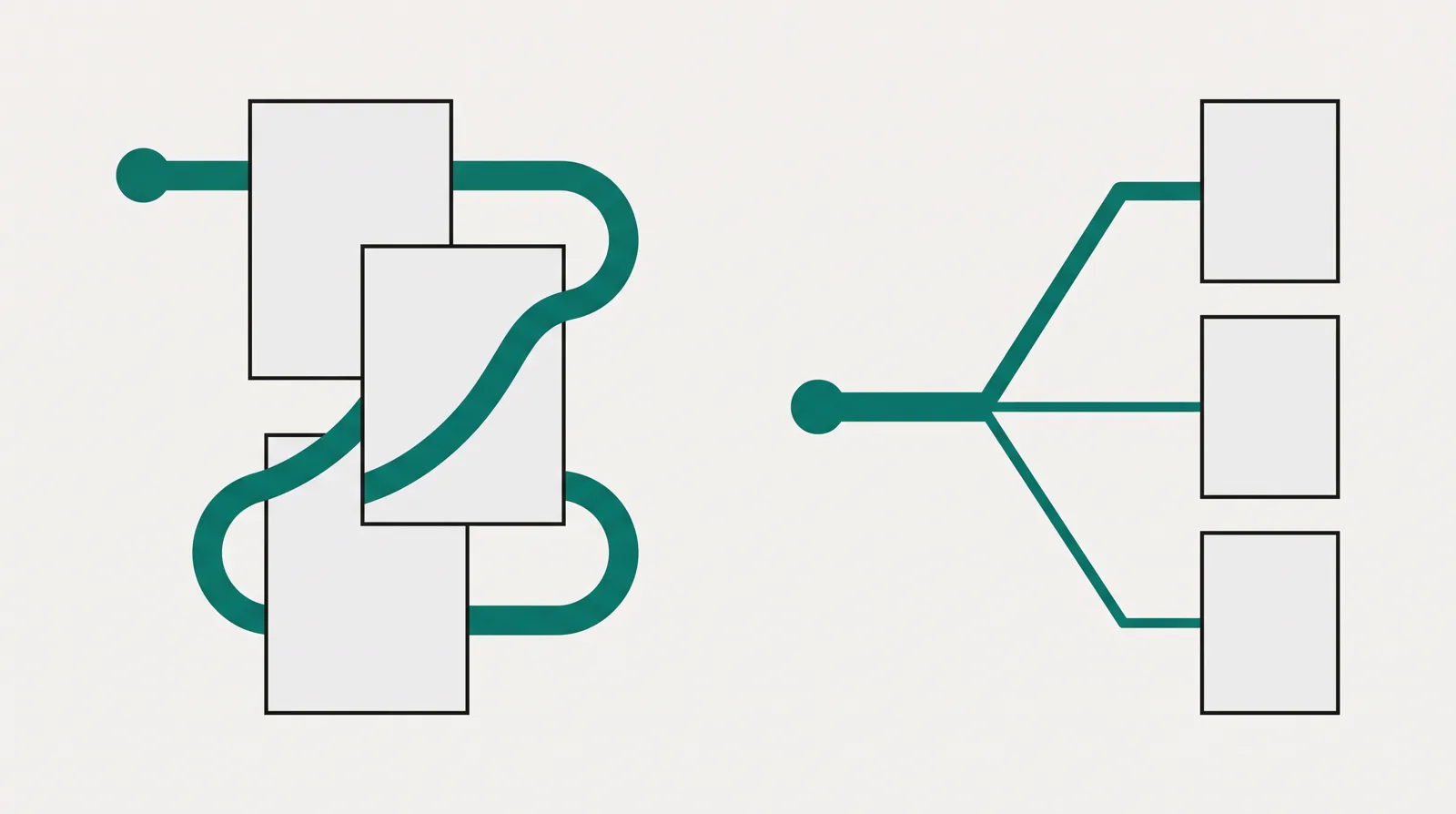
Kartra's page builder sits inside a much wider system. It can build funnels, forms and pages, and it can run page tests, but it does not offer the same server-side, same-URL experiment flow. That matters less when traffic comes from an email list, a webinar or an existing audience. It matters much more when Meta or Google has learned against one destination and a new URL can disturb that learning or send the ad back through review.
Checkout, email and delivery
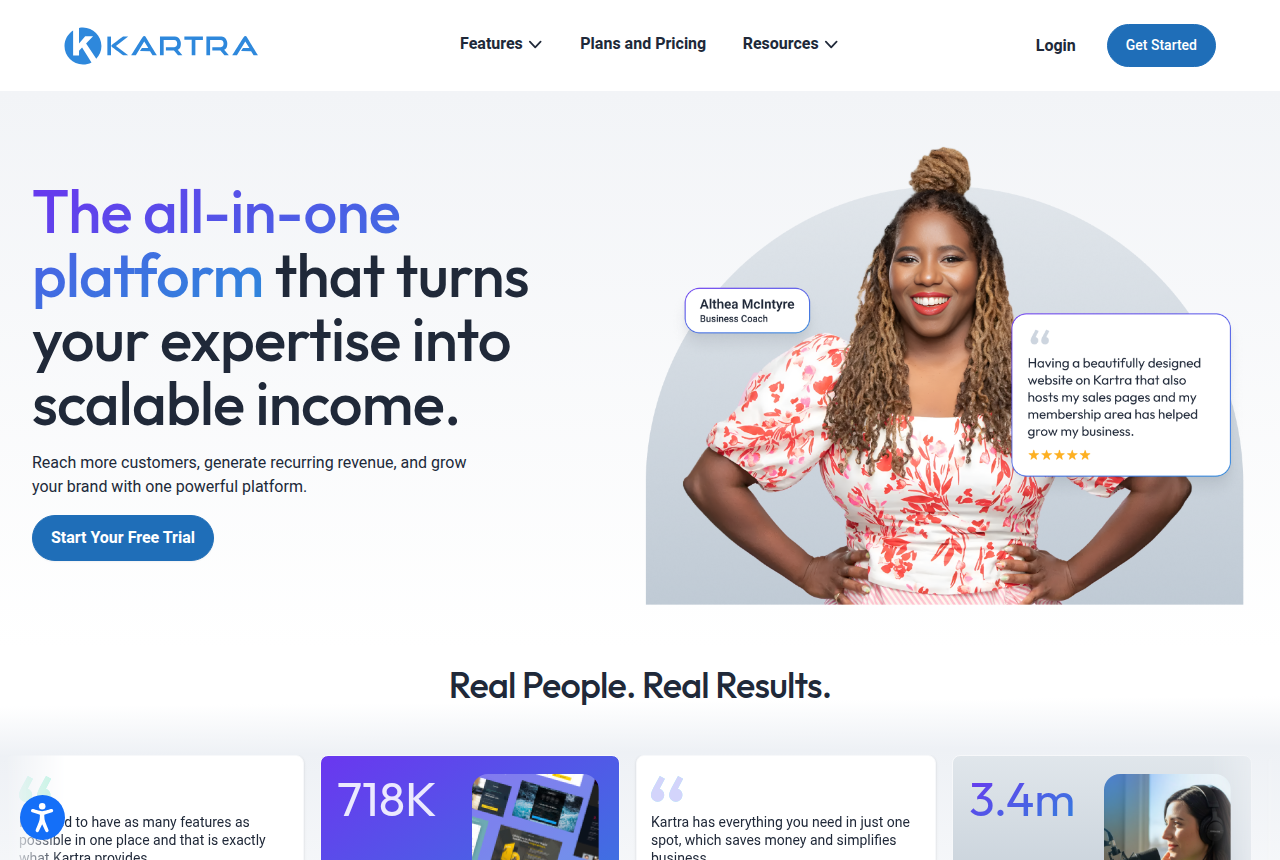
Kartra wins everything behind the page. It has native checkout, email and SMS, courses, memberships, calendars, video hosting, webinars, a helpdesk and an affiliate management system for recruiting partners to sell your own offer. This is not extra decoration for its intended buyer. A coach or course creator needs to collect payment, deliver access, follow up, schedule calls and answer support tickets. Keeping those records inside one account is why buyers stay.
Instapage does not try to replace that stack. It collects leads and connects to CRM, email and marketing automation systems, but payment and delivery live elsewhere. That can be a strength for an ad team that already chose its CRM and checkout. It is a weakness for a solo creator who would rather maintain one subscription and one customer record.
One Kartra term needs care: affiliate management means running your own partner program. It is not the same as affiliate-network attribution for a media buyer sending clicks to someone else's offer. Neither product is a full affiliate tracker with the server-to-server postbacks that network traffic often needs. If you promote third-party offers, keep a tracker in the stack.
What buyers keep reporting
We do not run these tools on live campaigns. We read long-term user reports, vendor documentation and current pricing pages, then verify prices with each vendor. That method turns up two different risk profiles.
Instapage buyers keep returning to cost. PPC users describe a polished specialist tool and then question whether the price makes sense for their traffic volume, especially because the serious testing features begin on Optimize. The complaint does not erase the capability. It defines who should pay for it: a team with enough ad spend that better campaign matching and cleaner experiments can repay the subscription.
Kartra buyers praise consolidation. Reviewers describe replacing separate CRM, email and cart subscriptions with one account. The criticism is just as consistent: slow support, generic troubleshooting replies and an editor that feels dated or takes time to learn. Kartra is established software. The purchase risk is not whether it exists or can run the business. It is whether your team has the patience for a larger system and whether its support record meets the standard your revenue demands.
Which one should you pick?
Instapage, for paid campaigns and disciplined page experiments
Choose Instapage when you already have checkout, email and customer management covered, and your bottleneck is the page between an ad and a conversion. It is the better fit for teams managing many campaigns, many variants and many stakeholders. Budget for Optimize rather than Create if testing is the reason you are buying. The $199/mo plan is expensive, but it buys the server-side experiment workflow that separates Instapage from a general funnel builder.
Kartra, for selling and delivering your own expertise
Choose Kartra when the landing page is only one piece of a creator business. If you sell courses, coaching or memberships and also need checkout, email, SMS, webinars, calendars, video, delivery and a helpdesk, Starter at $99/mo annually is the realistic entry tier. It removes the 5% Essentials fee and includes unlimited pages, products and courses. Accept the trade-off before you move: page testing is not the same ad-safe, same-URL system Instapage provides, and buyers repeatedly report slow support and a steep learning curve.
ElasticFunnels, for an own-offer team buying paid traffic
If you need Instapage's stable campaign testing and Kartra's ability to take payment, ElasticFunnels is the segment pick. It is a funnel platform for affiliates, product vendors, agencies and ecommerce teams running paid traffic. It builds and clones pages, rotates split-test variants under one campaign URL, hosts checkout with order bumps, one-click upsells and subscriptions, and keeps sessions, orders, rebills and refunds on one record with attribution, CRM and automations. Multi-account payment routing matters most to sellers processing enough card volume to need it. A smaller seller may not use that routing, but still gets the checkout, upsells, testing and reporting. Starter costs $97/mo, every feature is on every plan, and the 14-day trial requires no card. Revenue processed through an ElasticFunnels-hosted checkout carries a 0.5% fee.
The drawback is plain: ElasticFunnels is newer than Instapage and Kartra, and there is very little independent third-party coverage available to check its claims against. Until you put real volume through it, you are relying mainly on the vendor's account. That is expected for a platform this recent, but it still limits the outside proof. It does not remove the page, checkout or reporting features. Use the no-card trial to run one real campaign before moving a business across.
For more detail, read the Instapage review, the Kartra review and the ElasticFunnels review. The ElasticFunnels vs Instapage and ElasticFunnels vs Kartra comparisons isolate those two follow-up decisions.
Our pick
Instapage
Instapage is the pick if you run many ads and want each matched to its own page, with server-side testing and heatmaps. It is the most expensive option here, and server-side A/B testing only starts on the Optimize plan.
Frequently asked questions
Which is better, Instapage or Kartra?
Do Instapage and Kartra both support A/B testing?
Instapage official sources
From Instapage
Kartra official sources
From Kartra
- https://kartra.com
- https://kartra.com/feature/shopping-cart-software/
- https://kartra.com/feature/email-automation-software/
Other sources
9 discussions and reviews read for this page. Quotes are excerpts; open a link to read the original in context.
- [ip-ppc-price1] Landing pages… what builders do you guys like the most?
- [ip-ppc-price2] Landing pages… what builders do you guys like the most?
- [ip-plans-flicker] Subscriptions and Pricing — Create, Optimize, Convert
- [tp-cache] https://www.trustpilot.com/review/kartra.com
- [tp-price] https://www.trustpilot.com/review/kartra.com?page=2
- [tp-mixed] https://www.trustpilot.com/review/kartra.com?page=4
- [cap-save] https://www.capterra.com/p/184946/Kartra/reviews/
- [cap-infusion] https://www.capterra.com/p/184946/Kartra/reviews/?page=3
- [sa-ui] https://www.softwareadvice.com/marketing/kartra-profile/reviews/