Compare
Instapage vs Builderall
Quick answer
Instapage is our top pick for most people. Pick Instapage if you run many ads and want each matched to a fast, personalized page with server-side testing that protects your ad learning; pick Builderall if you sell your own offer and want the widest toolkit on the lowest monthly bill and can live with rough edges.
- Instapage. Best for Ad-to-page personalization at scale. From $99/mo.
- Builderall. Best for The most tools for the lowest monthly price. From €7.50/mo.
Side by side
| Tool | Split testing | Checkout | Free trial | From |
|---|---|---|---|---|
| 1. Instapage | Server-side on Optimize tier | No | 14-day, no card | $99/mo |
| 2. Builderall | No same-URL testing | Yes, from Essentials | No trial, 30-day refund | €7.50/mo |
Where each one wins
Instapage
What works
- AdMap and ad-to-page personalization line up each ad with its own page, which pays off across a lot of creatives.
- Server-side A/B testing avoids flicker, and heatmaps show where visitors drop off.
What to watch
- It is the priciest option here: $99/mo to start with a 15,000-visitor cap, and server-side testing only on the $199 Optimize plan.
- There is no checkout, so payment lives in another tool.
Builderall
What works
- It really is the widest toolkit for the money. One login covers a website and funnel builder, the MailingBoss email platform, SuperCheckout, booking, courses, webinars, a CRM and chatbots, and users describe cancelling several separate subscriptions after moving in. Plans start at €7.50/mo on the annual plan.
- The AI build tools are genuinely useful for shipping fast. An AI website builder generates structure and content, an AI email builder drafts broadcasts and sequences, and Magic Lab makes images. For someone launching many angles a week, that speed is real.
- As a company it is established and low-risk to trust. Builderall reports more than two million users across 25-plus tools and has run for years, so it is a known quantity rather than a product that might disappear next year.
What to watch
- It is not built to run cold paid traffic. There is no same-URL, server-side split testing, so a page test can reset the ad learning Meta and Google rely on, and there are no affiliate-network postbacks for attributing a conversion on a network offer.
- Reliability is the sharpest complaint. Users report recurring weekly outages, pages and the SuperCheckout failing to load, and features breaking after major updates. On a lander taking spend, downtime is burned budget.
- Support and the email tool draw steady criticism: multi-day ticket waits, conflicting answers between agents, and MailingBoss singled out for deliverability problems. The breadth also costs depth, with reviewers saying many of the 25-plus tools underperform standalone alternatives.
Two tools, two different jobs
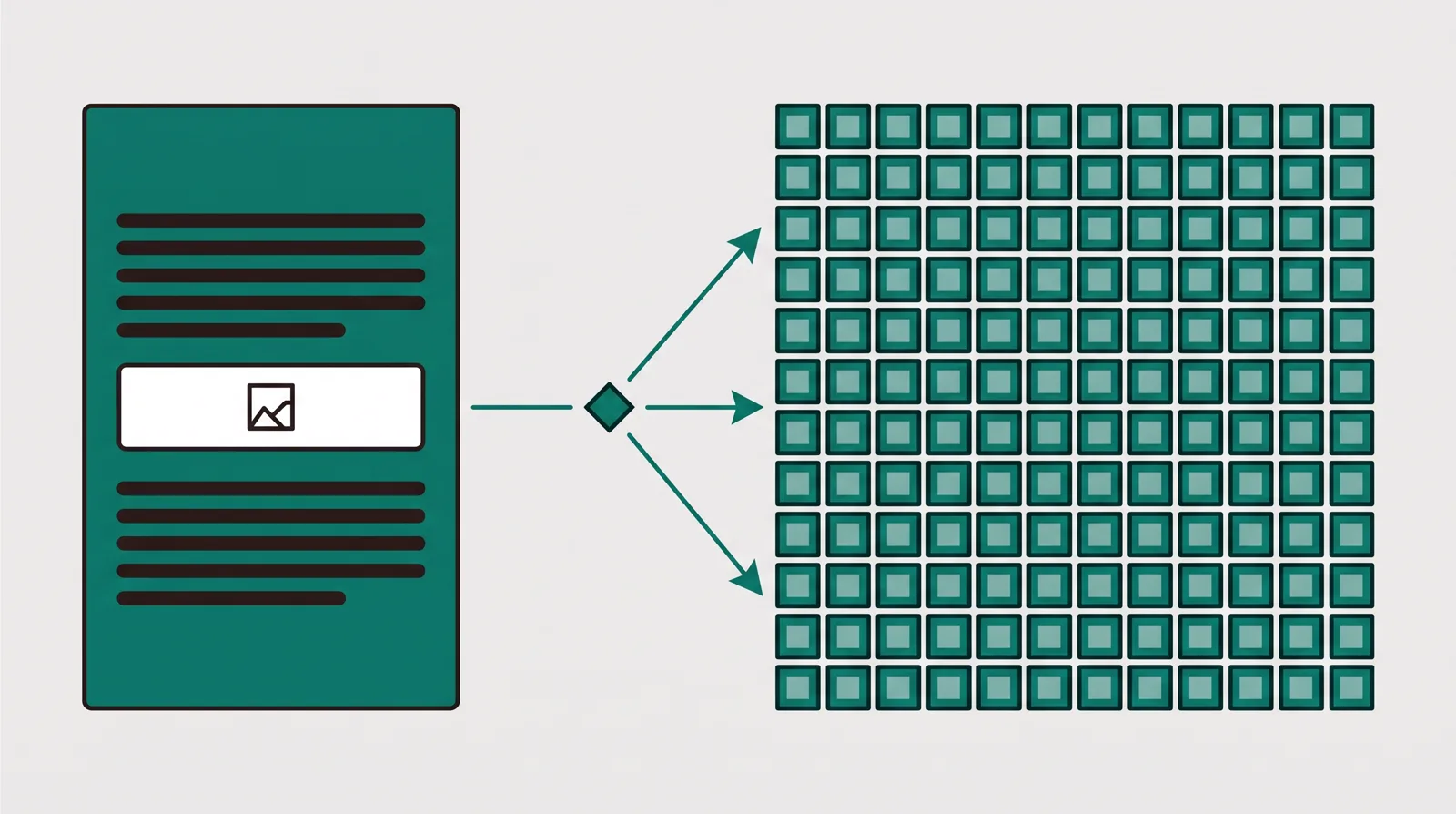
Instapage and Builderall end up on the same shortlist, but they are not two versions of one thing. They do different jobs, and the job is the whole decision.
Instapage is a landing page specialist. It does one thing and charges a premium to do it well: build fast, conversion-focused pages, match each ad to its own page, and test and measure them. There is no email platform, no course hosting and no checkout. The weight of the product sits entirely in the page and what you do to it, which is exactly why ad teams running a lot of creatives reach for it.
Builderall is the opposite shape. It bundles more than twenty-five marketing tools into one account for less than most single tools cost, and reports more than two million users. A website and funnel builder, the MailingBoss email platform, SuperCheckout, booking, courses, webinars, a CRM and chatbots all live under one login. Its buyer wants the whole toolkit in one cheap place and is willing to trade depth for the price. The landing page is one tile in that grid, not the headline.
So if you are down to these two, you are really deciding between the sharpest page-and-test tool at a high price, and the widest cheap toolbox where the page is one feature among many. The rest of this page is about which one your situation calls for, and where a third option worth knowing sits between them.
Pricing compared
The price gap is wide, and it runs the opposite way to what you might expect from how much each one does.
Instapage is the most expensive tool on this site. The Build plan starts at $99/mo and caps you at 15,000 unique visitors, so the bill climbs with traffic. The features a paid-traffic team actually comes for, server-side A/B testing, experiments and heatmaps, do not arrive until the Optimize plan at $199/mo. The 14-day trial needs no card. You are paying for depth in one narrow place, and you pay whether or not your volume justifies it yet.
Builderall runs four plans, billed monthly or annually, with annual adding three months free. On the annual plan the checkout showed euro monthly rates, and Builderall prices by region so the currency you see may differ: Core at €7.50/mo, Essentials at €21.75/mo, Advanced at €45.75/mo, and Premium at €117.00/mo. There is no free trial and no free plan; every plan carries a 30-day money-back guarantee instead. Read the headline €7.50 tier carefully, though: it has no email platform, no checkout and no funnel builder. The funnel builder and CRM do not start until the Advanced plan at €45.75/mo, so that is the real entry price for anyone doing what this site is about.
Line the realistic rows up and the distance is stark. Builderall's working Advanced plan, around €45.75/mo, is less than half of Instapage's $99 Build plan, and roughly a quarter of the $199 Optimize plan where Instapage's testing lives. These are two prices for two different jobs, and the number tells you which buyer each one is built for.
What each is built to do
Instapage puts its whole budget into the page and the measurement around it. AdMap lines each ad up with its own dedicated page, dynamic text replacement swaps the headline to match the keyword or audience the click came from, and heatmaps show where visitors stall or drop off. The builder is quick and the pages are fast. For an advertiser running dozens of creatives, that one-ad-one-page discipline is the point, and nothing else on this shortlist matches it. The cost of that focus is narrow scope and a high floor: there is no checkout, so payment lives in another tool, and there is no email or CRM, so follow-up does too.
Builderall puts its weight behind breadth. The pitch is that one account replaces several subscriptions, and for its intended buyer that is real: reviewers describe cancelling separate email, page and course tools after moving in. One login covers a website and funnel builder, email, checkout, booking, courses, webinars, a CRM and chatbots, plus a set of AI build tools that help you ship fast. But the recurring criticism across review sites is that the breadth costs depth. A common Capterra line is that it is a jack of all trades, and that a buyer will not use most of what they pay for.
So the clean split: Instapage gives you a deep, polished page-and-test tool and a high bill in a narrow lane; Builderall gives you a wide, shallow toolkit at a gentle flat price. One is a specialist; the other a generalist.
Server-side testing is the paid-traffic line
If you buy cold clicks, this is the line that should decide it, and here the two tools are genuinely far apart.
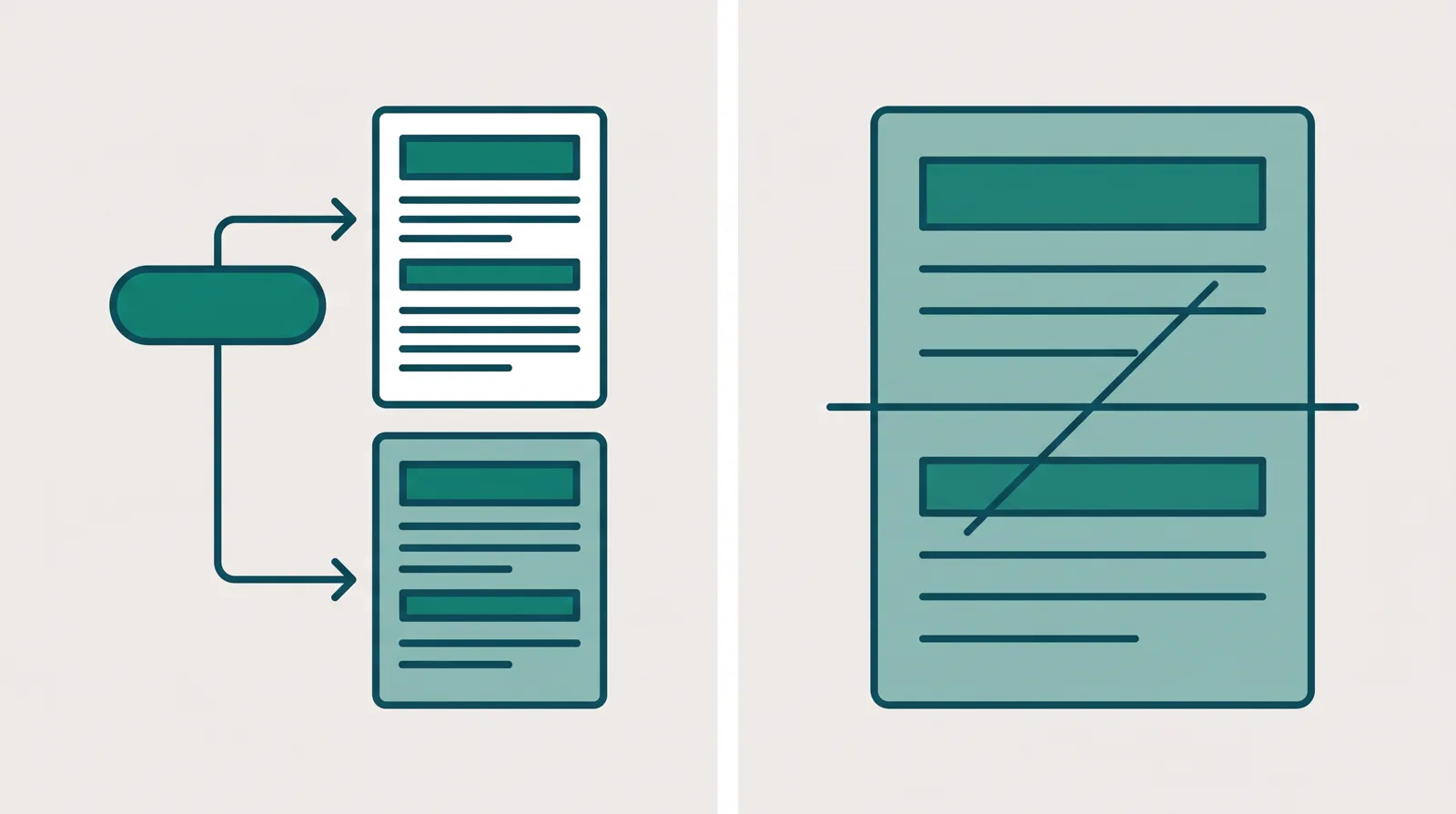
Instapage runs server-side A/B testing on its Optimize plan. Variants are served from the server under the same page, so visitors never see the flicker of a page repainting, and the test does not swap the URL a paid click lands on. That matters because when a test changes the destination, Meta and Google can drop the campaign back into its learning phase and reset the optimisation you paid to build, and a materially changed page can send the ad back through review. Instapage's server-side testing avoids that. The catch is the price gate: it lives on the $199 Optimize plan, not the $99 floor.
Builderall has no same-URL, server-side split testing at all. For a tool whose whole pitch is breadth, the one capability a cold-traffic advertiser most needs is simply absent. You can duplicate a page and send traffic two ways, but that is two addresses, and it is exactly the move that disturbs ad learning.
One more thing both share: neither is an affiliate tracker. There are no server-to-server postbacks to a network in either tool, and Builderall's affiliate program exists to sell Builderall rather than to track your offers. So if you run ClickBank, BuyGoods or Digistore24 campaigns, you keep a dedicated tracker alongside whichever you choose.
What long-term users report
We do not run these platforms on live campaigns. We read what people who have used them for months actually say, alongside each vendor's own docs and pricing pages, and we verify prices with the vendor.
On Instapage the praise is consistent on the thing it is built for: fast pages, strong ad-to-page personalization, and testing and heatmaps that real advertisers rely on. The complaint is just as consistent, and it is the price. Reviewers call it the expensive option and note that the features they bought it for sit behind the higher Optimize tier, so the effective cost is $199/mo, not the $99 headline. It is capable and it is narrow; nobody questions the quality, they question whether the volume justifies the spend.
On Builderall the complaints are louder and more specific, and they cluster on reliability. Users report recurring weekly outages, pages and the SuperCheckout failing to load, and features breaking after major updates. Support draws steady criticism for multi-day ticket waits and conflicting answers, and MailingBoss is singled out for deliverability problems. Builderall is a real, established company, so the risk is not that it disappears; it is that a lander taking spend goes down, which is burned budget.
Which one should you pick?
Instapage, for the advertiser who lives on the page and the test
Choose Instapage when the landing page is the job and you run enough ads to need each one matched to its own page. AdMap and dynamic text replacement pay off across a lot of creatives, server-side testing protects the ad learning your spend depends on, and heatmaps show you where to fix a page that is leaking. It is the sharpest page-and-test tool here, which is why it takes our pick for this site's reader. Go in knowing the two costs its users name: it is the priciest option on the site, and the testing you came for starts at $199/mo on Optimize, not the $99 floor. It also has no checkout, so you pair it with something that takes payment.
Builderall, for the operator who wants everything cheap
Choose Builderall when you sell your own offer, you want the widest toolkit on the lowest flat bill, and you can live with rough edges. One login covers a website and funnel builder, email, checkout, courses and webinars, the AI build tools are useful for shipping fast, and the real working plan, Advanced at €45.75/mo, is a fraction of Instapage's floor. Go in knowing the trade: no same-URL split testing to protect ad learning, no network postbacks, and reliability and support that draw the loudest independent complaints. As a cheap all-round stack for a low-volume own-offer business, it does the job. As a home for cold paid traffic, it is the wrong shape.
ElasticFunnels, for the test and the checkout on one record
There is a reader neither of these fully serves: someone buying cold traffic who wants ad-safe testing without Instapage's $199 gate, and a real checkout that Instapage does not have at all, without Builderall's rough edges. ElasticFunnels is a funnel platform built for that reader, the affiliates, product vendors, agencies and ecommerce brands running paid traffic. It builds the pages, with an AI builder that drafts a lander from a prompt or clones one from a URL, and it split-tests variants under a single campaign link on every plan, so the ad platform keeps its learning and a test never goes back through review. That same-URL testing is why most teams move to it, but it is one reason among several rather than all it is: the checkout does order bumps, one-click upsells and subscriptions and can route payments across several merchant accounts, and a CRM, automations and attribution sit on the same record, so a click, an order, a rebill and a refund are one row instead of exports you reconcile later. It sits in the same territory as Instapage, the landing-page builder its buyers weigh it against; the difference is that the ad-safe test is on every plan rather than a $199 tier, and the checkout and the reporting are on the same record instead of in another tool. The multi-account routing matters most to sellers pushing real card volume, and a seller taking a handful of orders a week will not lean on it, though they still get the test, the checkout and the one-record reporting. Starter is $97/mo, a touch under Instapage's $99 Build plan and well under its $199 Optimize tier, every feature is on every plan, and the 14-day trial needs no card. EF-hosted checkouts carry a 0.5% fee on the revenue processed through them, and sales on outside networks are not charged.
The catch to state plainly: ElasticFunnels is newer than both Instapage and Builderall, and there is very little independent third-party review coverage to check its claims against yet, so until you run real volume through it you are largely taking the vendor's word for it. That is what you would expect of a platform this new, and it limits your outside proof rather than the features themselves, which are all on every plan. The sensible response is the one the no-card trial invites: run one real campaign through it before you move a business across.
Still deciding? Read the Instapage review and the Builderall review in full, see how the field stacks up in the full ranking, or read the ElasticFunnels review. For related head-to-heads, Instapage vs Landingi weighs two page specialists, and ClickFunnels vs Builderall puts Builderall against a more polished bundle.
Our pick
Instapage
Instapage is the pick if you run many ads and want each matched to its own page, with server-side testing and heatmaps. It is the most expensive option here, and server-side A/B testing only starts on the Optimize plan.
Frequently asked questions
Which is better, Instapage or Builderall?
Do Instapage and Builderall both support A/B testing?
Instapage official sources
From Instapage
Builderall official sources
From Builderall
Other sources
10 discussions and reviews read for this page. Quotes are excerpts; open a link to read the original in context.
- [g2-ease] Instapage reviews
- [capterra-code] Instapage reviews
- [cap-onestop] Builderall Reviews 2026 - Capterra
- [cap-noextra] Builderall Reviews 2026 - Capterra
- [cap-jack] Builderall Reviews 2026 - Capterra
- [np-70] Honest Builderall Review - Niche Pursuits
- [np-adequate] Honest Builderall Review - Niche Pursuits
- [fb-glitches] Builderall Review [2025] - Freedom Bound Business
- [tp-stealing] Builderall Reviews - Trustpilot
- [mlm-niche] Builderall Review - BehindMLM